

Virtual assistance is a service that provides you with vetted, remote support for administrative and specialized tasks, allowing you to delegate work without hiring an in-house employee. The right move is to identify 3-5 repetitive tasks draining your time and delegate them through a trusted virtual assistant agency to save time, reduce context switching, and execute faster. If you’re a founder or small business owner drowning in inbox management and admin work while trying to grow your company, this guide is for you.
Key Takeaways
- What is Virtual Assistance? Professional administrative, creative, or technical support provided remotely by a virtual assistant (VA).
- First Step: Identify 3-5 repetitive, time-consuming tasks to delegate first, like calendar management or inbox filtering.
- Why It Matters: It frees up your time for high-value strategic work, reduces operational bottlenecks, and helps you avoid burnout.
- Best Practice: Use a structured onboarding process and clear task briefs to set your VA up for success from day one.
- Choosing a Model: VA agencies offer a balance of vetted talent, reliability, and support, saving you the time and risk of hiring on freelance marketplaces.
Quick Answers
- What is the main benefit of a virtual assistant?
The primary benefit is reclaiming your time by delegating tasks, allowing you to focus on core business growth.- How quickly can I get started?
With a VA agency, you can often be matched with a vetted assistant and start onboarding within a few days.- Is it secure?
Yes, when done correctly. Using password managers and granting role-based access ensures your data remains secure.
Summary (TL;DR)
- What to do first: Track your time for one week to identify 3-5 recurring tasks that consume your energy but don't require your unique expertise. This is your initial delegation list.
- What to delegate: Start with administrative tasks like inbox management, calendar scheduling, travel booking, basic data entry, and social media posting.
- What to expect: Plan for a 1-2 week onboarding period. By the end of the first 30 days, your VA should be handling their core responsibilities with minimal oversight.
- Common pitfalls to avoid: Vague instructions, inconsistent communication, and delegating complex strategic work before building a foundation of trust.
- A quick timeline: Expect to feel a noticeable reduction in your workload within the first month. The relationship evolves from task execution to proactive support over the first 60-90 days.
Step-by-Step Playbook
A successful partnership with a virtual assistant doesn’t happen by accident; it’s built on a clear, structured process. This seven-step playbook outlines the critical first 30 days, designed to move your VA from initial training to autonomous execution smoothly. Following these steps minimizes friction and ensures you get work off your plate without the churn of random freelancers.
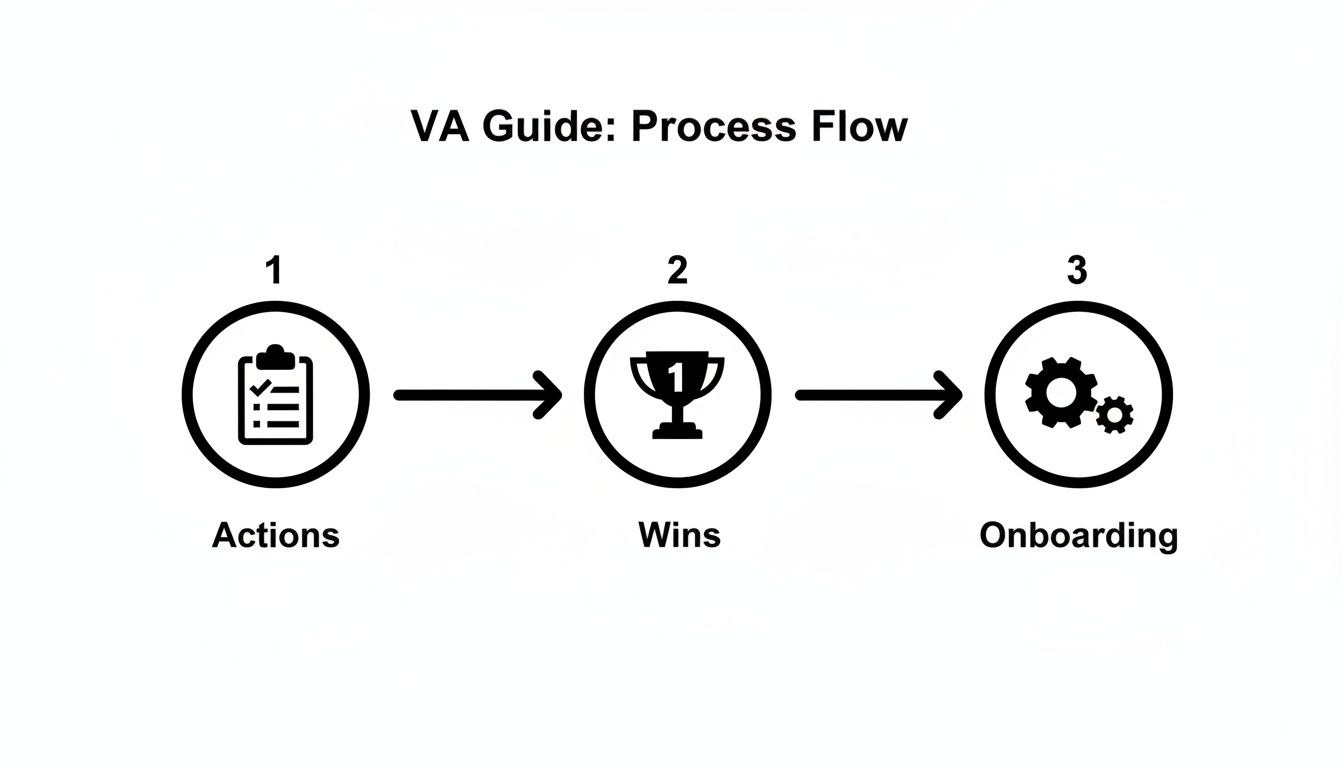
- Task Selection: Before day one, identify 3-5 high-leverage tasks to delegate. Choose repetitive, well-defined tasks that offer quick wins. Good examples include inbox filtering, scheduling meetings, or updating your Customer Relationship Management (CRM) system.
- Task Briefing: For each task, create a simple one-page brief. Define the goal, what "done" looks like (Definition of Done), and provide links to necessary tools or examples. Clarity here prevents 90% of future rework.
- Access & Security: Grant system access securely. Use a password manager like 1Password or LastPass and follow the principle of least privilege—give access only to what is essential. Enable two-factor authentication (2FA) and provide separate logins where possible for a clear audit trail.
- Onboarding Week: The first week is for setup, not maximum productivity.
- Week 1: Hold a kickoff call to align on goals and communication style. Assign one low-risk task and have daily 15-minute check-ins to build rapport and answer questions.
- Week 2: Introduce another task and reduce check-ins to every other day. Ask your VA to start documenting the process as they learn, creating your first Standard Operating Procedures (SOPs).
- First 30 Days: By the end of the month, your VA should be handling core tasks independently. Your weekly sync becomes the primary touchpoint for planning and feedback.
- Cadence & Communication: Establish a clear communication rhythm. Use an asynchronous tool like Slack for daily updates and a weekly 15-minute video call for review and planning. This creates predictability and reduces interruptions.
- QA & Feedback: Implement a regular feedback loop. Review work against the task briefs weekly. Acknowledge wins and provide specific, constructive feedback for improvements. This builds trust and ensures quality.
- Scaling the Relationship: After 30-60 days of consistent performance, look for new ways to leverage your VA. Can they take on client follow-ups, project coordination, or light bookkeeping? The goal is to evolve the partnership from simple tasks to strategic support. Match My Assistant offers various virtual assistant services to support this growth.
Delegation Assets (Templates + Scripts)
Effective delegation relies on clear systems. These copy-paste templates provide the structure needed for your virtual assistant to understand your requirements, work confidently, and deliver consistent results.
Task Brief Template
Use this one-page template for every new task to eliminate ambiguity and define success from the start.
- Goal: [Example: Triage my inbox daily to ensure I only see urgent and important emails.]
- Definition of Done: The inbox has zero unread messages; urgent items are flagged red; non-urgent but important items are flagged blue; newsletters are archived.
- Inputs/Links: Link to email platform, internal contact list.
- Tools: Gmail, Slack.
- Constraints: Do not delete any emails; never reply on my behalf without approval.
- Examples: Screenshot of a perfectly triaged inbox.
- Deadline: End of day, 5 PM [Your Timezone].
- Escalation Rules: If an email seems urgent but you are unsure, ping me on Slack.
SOP / Checklist Template
A Standard Operating Procedure (SOP) turns a complex process into a simple checklist, ensuring consistency every time.
Process: Publishing a Weekly Blog Post
- Receive final draft in Google Docs.
- Log in to WordPress.
- Create a new post and copy/paste content.
- Format H2s, H3s, and bold text according to the brand style guide.
- Upload and insert featured image from the provided folder.
- Set post category to "[Marketing]" and add relevant tags.
- Fill out the Yoast SEO plugin fields (title, meta description).
- Save post as a draft.
- Send the preview link to me via Slack for final review.
- Once approved, schedule the post for Tuesday at 9 AM ET.
- Mark the task as "Complete" in Asana.
Communication Cadence Template
- Daily Async Check-in (via Slack/Teams):
- Morning (9 AM): "My top 3 priorities today are: 1. […], 2. […], 3. […]."
- End of Day (4:30 PM): "Completed: […]. Blocked on: […]."
- Weekly Sync (15-min call on Fridays):
- Review key tasks completed this week.
- Discuss any process improvements or roadblocks.
- Confirm priorities for the upcoming week.
What to Delegate: Task List
Use this checklist to identify immediate delegation opportunities.
- Manage and schedule calendar appointments.
- Filter and organize email inbox.
- Book flights, hotels, and other travel arrangements.
- Perform data entry into spreadsheets or a CRM.
- Update and maintain contact lists.
- Transcribe audio from meetings or webinars.
- Create presentations from outlines.
- Prepare and send invoices to clients.
- Pay bills and manage basic expense reports.
- Schedule social media content using a tool like Hootsuite.
- Create simple graphics in Canva.
- Format and publish blog posts.
- Respond to customer service inquiries via email.
- Conduct online research for projects or reports.
- Follow up with leads or clients via email.
- Create meeting agendas and take minutes.
- Manage personal tasks like ordering gifts or making reservations.
Measurement & ROI

To justify the investment, you must measure the impact. Tracking a few key metrics will demonstrate the real value a VA brings to your business beyond just feeling less busy.
Suggested KPIs
- Hours Saved per Week: The most direct measure of ROI. How many hours of your time have been freed up?
- Task Turnaround Time: How quickly are tasks completed from assignment to delivery?
- % Tasks Done Without Rework: A key quality metric. Aim for 95%+.
- Backlog Size: Is your list of nagging administrative tasks shrinking?
- Response-Time Expectations: Are agreed-upon communication SLAs being met?
- Time-to-Independence: How long until the VA can execute new tasks with minimal oversight? This should decrease over time.
A Simple ROI Framing
Calculate the financial return by valuing the time you get back.
(Hours Saved per Week × Your Hourly Value) – VA Cost = Net Value Gained
If you save 10 hours a week and value your time at $200/hour, that's $2,000 in reclaimed value. Subtract the VA cost to see your net positive impact. While there are many factors that determine virtual assistant rates, the return is often significant.
30-Day Scorecard Checklist
Use this at the end of the first month to evaluate success.
- The initial 3-5 core tasks are being completed consistently and accurately.
- We have established a smooth daily/weekly communication rhythm.
- The VA is comfortable using our primary tools (e.g., [CRM Tool], [Project Management Tool]).
- I am spending noticeably less time on administrative work.
- The VA is proactively asking clarifying questions instead of waiting for instructions.
- At least one recurring process has been documented as an SOP.
FAQs
Here are concise, factual answers to the questions we hear most from founders considering outsourced admin support.
What tasks should I delegate first?
Start with high-volume, low-risk administrative tasks. Good first candidates are calendar management, inbox filtering, and basic data entry. These provide quick wins and help build trust and a working rhythm.
How do I give access securely?
Use a password manager like LastPass or 1Password to share logins without revealing passwords. Always follow the principle of least privilege, granting access only to necessary systems, and use two-factor authentication (2FA) wherever possible. Signing a Non-Disclosure Agreement (NDA) is also a standard best practice.
What’s the difference between a virtual assistant and an executive assistant?
A virtual assistant (VA) is typically task-oriented, executing a defined set of administrative or technical jobs remotely. A remote executive assistant (EA) functions more as a strategic partner, proactively managing a leader’s time, priorities, and communications with a deeper level of integration and autonomy.
Dedicated VA vs pooled team—what’s better?
A pooled team is good for standardized, high-volume tasks like customer support where coverage is key. A dedicated VA is better for leaders who need a long-term partner who learns their preferences and can provide proactive, personalized support. For most founders, a dedicated relationship delivers far more value.
How does onboarding work and how long does it take?
A structured onboarding takes about 1-2 weeks for initial setup and training on core tasks. By the end of the first 30 days, a well-matched VA should be operating with minimal supervision on their primary responsibilities. At Match My Assistant, we guide you through a proven process to ensure a fast, effective ramp-up.
What happens if my assistant is unavailable?
This is a key advantage of working with a virtual assistant agency. If your dedicated VA is on vacation or out sick, we provide a trained backup assistant to ensure your critical operations continue without interruption. You're never left without support.
Is a VA better than hiring in-house for my situation?
A VA is often better for businesses that need flexible support without the overhead (salary, benefits, office space) of a full-time employee. It allows you to access specialized skills on demand and scale support up or down as needed, making it a highly efficient choice for small businesses and startups.
Ready to reclaim your focus and delegate with confidence? The team at Match My Assistant connects busy professionals with fully vetted, reliable virtual assistants. We offer flexible support options to fit your needs, backed by a satisfaction guarantee. Talk to our team to get matched with the right support for your business.