

To grow your business, you must delegate financial admin. The right bookkeeping service for small business frees up your time, prevents costly errors, and provides the financial clarity needed for smart decisions, letting you focus on growth instead of context-switching between operations and accounting. If you’re a founder or operator drowning in admin while trying to scale, this playbook is for you.
Summary (TL;DR)
- What to Do Next: Start by identifying 3-5 high-volume, low-complexity bookkeeping tasks to delegate, like expense categorization or invoicing.
- What to Delegate: Focus on routine tasks first: accounts payable/receivable, bank reconciliation, receipt management, and generating standard reports (P&L, Balance Sheet).
- What to Expect: In the first 30 days, your virtual assistant should take full ownership of the initial tasks, freeing up 5-10 hours of your time per month and establishing a smooth communication cadence.
- Common Pitfalls: Avoid ambiguous instructions, sharing primary logins (use a password manager), and delegating strategic financial analysis before the basics are mastered.
- Quick Timeline: Expect to have a matched assistant and complete security/tool setup in Week 1, see initial tasks executed in Week 2, and achieve independence on core tasks by Day 30.
Key Takeaways
- System Over Tasks: The goal isn’t just to offload tasks but to build a reliable system for your financial operations that runs without your daily involvement.
- Start Small: Begin by delegating 2-3 repetitive tasks like expense categorization or invoicing to build trust and momentum.
- Security First: Use a password manager and create separate, role-based logins in your accounting software. Never share your primary credentials.
- Clarity is Key: A detailed task brief with a clear "Definition of Done" is the most effective way to prevent errors and rework.
- Managed is Better: A managed service from a virtual assistant agency provides vetted talent, structured onboarding, and backup support, reducing the churn common with freelance marketplaces.
Step-by-Step Playbook for Delegating Bookkeeping
Handing over your books requires a clear plan to ensure a smooth transition and build a solid relationship with your virtual assistant. Follow this process to set up your support for success from day one.
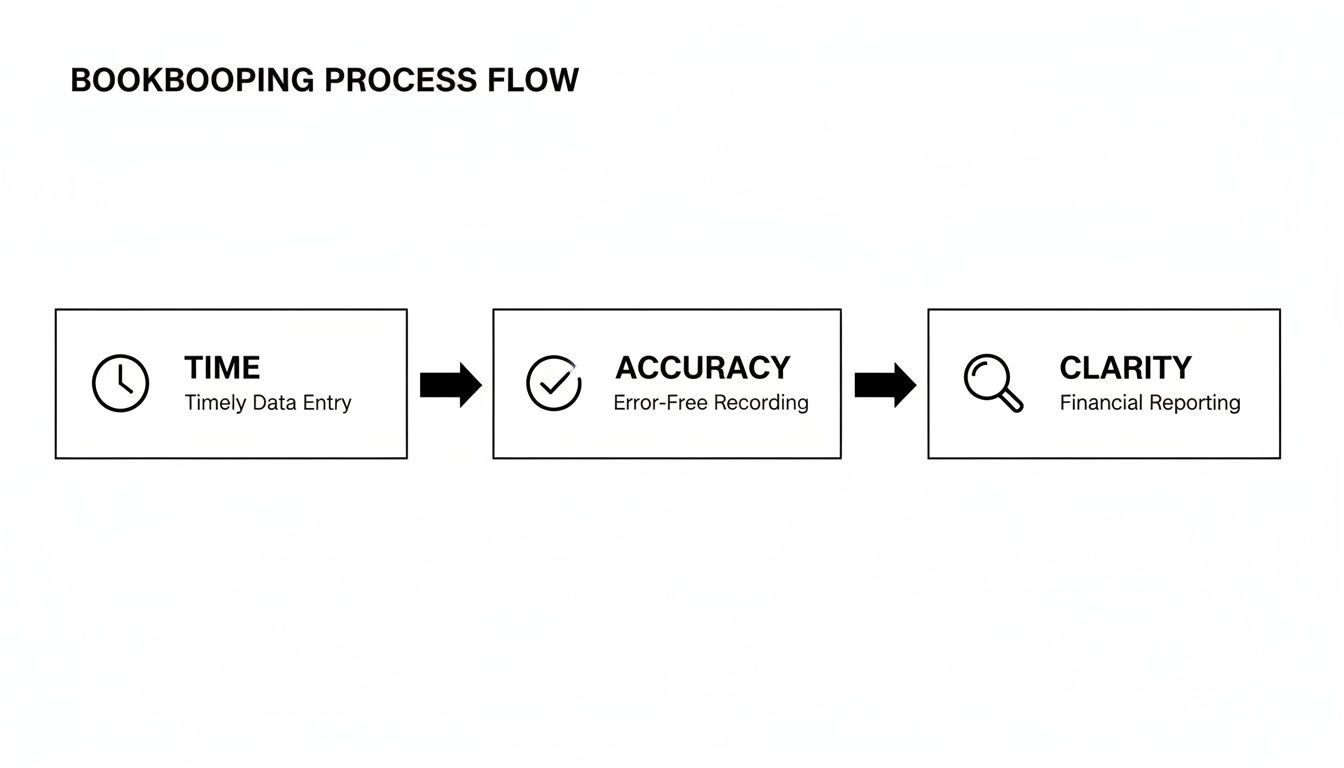
The 7 Steps to Effective Delegation
- Task Selection: Start small. Identify 2-3 high-volume, low-complexity tasks. Good candidates are expense categorization in QuickBooks, creating client invoices, or following up on overdue payments. These are quick wins.
- Task Briefing: Document everything. Create a clear brief for each task that outlines the goal, tools, and your "Definition of Done." Ambiguity is the enemy of successful delegation. We offer more tips in our guide on how to hire a virtual assistant.
- Access & Security: Security is non-negotiable. Use a password manager to share credentials. Follow the principle of least privilege—granting only the minimum access required. Create a separate user login for your assistant in your accounting software for a clear audit trail.
- Onboarding Week: The first week is for alignment, not volume. Focus on granting access, walking them through your chart of accounts, and running one or two test tasks to establish communication lines.
- Cadence & Communication: Establish your rhythm. A 15-minute weekly sync call is ideal for reviewing reports and setting priorities. Use async tools like Slack or email for daily updates and quick questions.
- QA & Feedback: Create a feedback loop. Initially, review every completed task. As they demonstrate consistency, shift to spot-checking. Provide clear, constructive feedback to help them align with your standards.
- Scaling the Relationship: Once the initial tasks are running smoothly, begin delegating more complex responsibilities. This could include preparing monthly financial summaries, managing accounts payable, or assisting with payroll data preparation.
Your First 30 Days Onboarding Timeline
- Week 1: Setup & Alignment
- Grant secure access to tools (QuickBooks, bank feeds, receipt software).
- Hold a kickoff call to review the first task briefs and agree on communication protocols.
- Assign one small, well-defined task to test the workflow.
- Week 2: Execution & Feedback
- Your assistant begins executing the first batch of recurring tasks.
- Conduct your first weekly check-in to provide feedback and answer questions.
- Use this time to refine any Standard Operating Procedures (SOPs).
- First 30 Days: Achieve Independence
- Your assistant should be handling the initial 2-3 tasks with minimal oversight.
- Your communication rhythm should be established and feel productive.
- You are now ready to identify the next set of tasks to delegate.
Delegation Assets for Bookkeeping
To successfully get bookkeeping off your plate, you need clear, reusable instructions. These templates provide the structure your assistant needs to manage your finances accurately and consistently.

Task Brief Template
Use this for any new bookkeeping task to prevent rework and save hours of back-and-forth.
- Goal: Reconcile the [Amex Business Card] account in [Xero] for the previous month.
- Definition of Done: The account balance in Xero matches the official bank statement, the reconciliation report is saved to the designated Google Drive folder, and a confirmation is posted in the #finance Slack channel.
- Inputs/Links: Link to Xero login, last month's PDF statement, and the shared receipts folder.
- Tools: Xero, Slack, Google Drive.
- Constraints: Do not categorize any single transaction over $1,000. Flag these for my review.
- Examples: Link to a previously completed reconciliation report as a reference.
- Deadline: By the 5th business day of each month.
- Escalation Rules: If a transaction is unclear, post a question in Slack with a screenshot. For urgent issues, tag me directly.
SOP / Checklist Template: Monthly Bank Reconciliation
A simple checklist (Standard Operating Procedure) ensures consistency for recurring tasks.
- Log in to QuickBooks Online.
- Navigate to the 'Banking' section and select the primary business checking account.
- Open the bank statement for the month being reconciled.
- Verify the beginning balance in QuickBooks matches the statement.
- Match all cleared deposits, withdrawals, and checks against the statement.
- Categorize any remaining uncategorized transactions.
- Identify and resolve any discrepancies between QuickBooks and the statement.
- Confirm the ending balance in QuickBooks matches the statement exactly.
- Finalize the reconciliation process in the software.
- Run the official reconciliation report.
- Save the report as a PDF in the 'Financials > Monthly Reports' folder.
- Post a message in the #finance channel confirming completion.
Communication Cadence Template
A clear communication rhythm avoids interruptions while keeping you informed.
- Weekly 15-Minute Sync (Live Call):
- Review previous week's performance (e.g., reconciliation status, A/R aging).
- Discuss upcoming priorities (e.g., payroll run, major vendor payments).
- Address any complex questions or blockers.
- Daily/As-Needed Updates (Async via Slack/Email):
- End-of-day summary of tasks completed.
- Quick questions about specific transactions.
- Flags for overdue invoices or unexpected charges.
"What to Delegate" Task List
Use this checklist to identify tasks you can hand off to a remote executive assistant.
- Generate and send client invoices
- Record customer payments and apply to invoices
- Send reminders for overdue accounts receivable
- Categorize bank and credit card transactions
- Enter and code vendor bills (accounts payable)
- Schedule bill payments for final approval
- Perform monthly bank account reconciliation
- Reconcile company credit card statements
- Manage and attach receipts to transactions
- Prepare a weekly cash flow summary report
- Generate monthly Profit & Loss (P&L) statements
- Generate monthly Balance Sheet reports
- Update customer and vendor contact information
- Process and categorize employee expense reports
- Prepare and verify data for payroll runs
- Clean up and maintain the chart of accounts
- Assist with 1099 preparation for contractors
- Document financial processes and create SOPs
- Set up new clients or vendors in the accounting system
- Compile reports for accountant review at tax time
- Handle financial data entry, a skill you can learn about by reviewing what data entry skills are essential.
Measurement & ROI
How do you know if your bookkeeping support is actually paying off? Measuring the return on investment (ROI) is about quantifying the value of your reclaimed time, focus, and clarity.
Suggested KPIs
Track these Key Performance Indicators (KPIs) to measure success.
- Hours Saved per Week: The number of hours you no longer spend on financial admin.
- Task Turnaround Time: How quickly tasks (e.g., expense categorization) are completed after you provide the inputs.
- % Tasks Done Without Rework: The accuracy rate of your assistant’s work, indicating quality and understanding.
- Backlog Size: The reduction in your queue of uncategorized transactions or unreconciled accounts.
- Response-Time Expectations: How quickly your assistant responds to queries during business hours.
- Time-to-Independence: How long it takes for your assistant to manage core tasks with minimal oversight.
A Simple ROI Framing
Use this formula to calculate the financial value of delegating.
(Hours Saved per Month × Your Hourly Value) – Monthly VA Cost = Monthly ROI
For example: A [Marketing Agency Founder] in [Chicago] saves 10 hours per month. If they value their time at $200/hour, that’s $2,000 in reclaimed value. Subtract the cost of their virtual assistant, and the positive ROI becomes clear. This strategic delegation is a key skill to lead your team toward better outcomes.
30-Day Success Scorecard Checklist
After one month, use this checklist to evaluate progress.
- The initial backlog of uncategorized transactions is cleared.
- Core financial reports (P&L, Balance Sheet) are delivered on time.
- My weekly time spent on bookkeeping oversight is less than 60 minutes.
- The first monthly bank reconciliation was completed successfully.
- We have an established and effective communication rhythm.
- I feel more confident in the accuracy of my financial data.
- The assistant is operating independently on the initial 2-3 delegated tasks.
FAQs
Quick Answers
- What tasks should I delegate first? Start with repetitive, high-volume tasks like expense categorization, invoicing, and receipt management.
- How do I give access securely? Use a password manager like LastPass or 1Password and create a unique, limited-access user profile in your accounting software.
- How long does onboarding take? Expect alignment and setup in Week 1, with your assistant handling core tasks independently within the first 30 days.
What tasks should I delegate first?
Start with high-volume, low-complexity tasks to build momentum and trust. The best candidates are:
- Expense Categorization: Sorting daily bank and credit card transactions in your accounting software.
- Invoicing: Generating and sending invoices to your clients based on a template.
- Receipt Management: Organizing digital receipts and attaching them to the correct transactions.
How do I give access securely?
Security is paramount. Never share your primary login credentials. Instead:
- Use a Password Manager: Share access without revealing passwords.
- Create Role-Based Logins: Most platforms like QuickBooks or Xero allow you to create secondary users with limited permissions.
- Enable 2-Factor Authentication (2FA): Add this critical layer of security to all financial accounts.
- Sign a Non-Disclosure Agreement (NDA): A good practice for establishing confidentiality.
What’s the difference between a virtual assistant and an executive assistant?
While roles can overlap, a Virtual Assistant (VA) typically handles a broader range of remote administrative, technical, or creative tasks for various clients. An Executive Assistant (EA), virtual or in-person, usually provides dedicated, high-level support to a single executive or leader, often involving more complex scheduling, communication, and project management. For bookkeeping, you need a VA with specific financial admin skills.
Dedicated VA vs. pooled team—what’s better?
For ongoing, detailed work like bookkeeping, a dedicated VA is almost always superior. They learn the specifics of your business—your vendors, clients, and chart of accounts—which leads to higher accuracy and efficiency over time. A pooled team, where tasks go to the next available person, can work for one-off projects but lacks the continuity needed for consistent financial management.
How does onboarding work and how long does it take?
A structured onboarding process is fast and efficient.
- Week 1 (Setup): Kickoff call, security access setup, and a small test task.
- Weeks 2-4 (Execution): The VA takes over initial recurring tasks with weekly check-ins for feedback.
By the end of 30 days, your assistant should be handling their core tasks with minimal supervision.
What happens if my assistant is unavailable?
This is a key advantage of working with a virtual assistant agency like Match My Assistant. Unlike a freelancer who leaves you stranded, a managed service provides backup. A team lead or another trained assistant can step in to handle critical tasks, ensuring business continuity. Our satisfaction guarantee is designed to give you peace of mind that the work will always get done.
Is a VA better than hiring in-house for my situation?
It depends on your needs. Hiring an in-house bookkeeper offers deep integration but comes with high costs (salary, benefits, overhead). A specialized bookkeeping VA provides expert support at a fraction of the cost, with more flexibility and without the management burden of a direct employee. For most small businesses, a managed VA service is the most cost-effective and efficient solution for getting expert help without the commitment of a full-time hire.
Ready to get financial admin off your plate for good? Match My Assistant helps busy founders delegate critical tasks through our clear onboarding process and vetted virtual assistant services. To find a professional with the right bookkeeping skills for your business, talk to our team.