

For busy founders and operators, the right decision is to delegate financial admin to a specialized virtual assistant for bookkeeping through a managed service. This approach saves countless hours, reduces errors, and lets you focus on growth without the inconsistency of freelance marketplaces. If you're a business owner drowning in financial admin while trying to scale, this guide is your playbook.
Match My Assistant is a virtual assistant agency that helps busy professionals delegate routine and specialized tasks. We provide vetted support and a clear onboarding process, delivering clarity and consistency so you can get work off your plate for good, backed by our satisfaction guarantee.
Key Takeaways
- Start Small: Delegate 3-5 high-volume, low-risk bookkeeping tasks first, like expense categorization or receipt management.
- Document Everything: Create simple Standard Operating Procedures (SOPs) or checklists for each task to ensure consistency.
- Prioritize Security: Use a password manager and role-based access in your accounting software. Never share primary logins.
- Measure ROI: Track hours saved and task accuracy to quantify the value of your virtual assistant services.
- Managed Service vs. Freelancer: An agency provides vetted talent, backup support, and proven processes, reducing churn and risk.
Quick Answers
- What does a bookkeeping VA do? They handle day-to-day financial admin like invoicing, expense tracking, and reconciling bank statements.
- How long does it take to onboard one? A structured 30-day plan is typical. By the end of the first month, they should be managing core tasks independently.
- Is it secure? Yes, when you use best practices like password managers, two-factor authentication (2FA), and NDAs.
Summary (TL;DR)
- What to Do: Hire a dedicated virtual assistant for bookkeeping through a reputable agency to ensure consistency, security, and backup coverage. Avoid the churn of random freelancers on open marketplaces.
- What to Delegate First: Start with repetitive, low-risk tasks like expense categorization, receipt organization, and drafting client invoices. Save complex tasks like full payroll for later.
- What to Expect: A skilled VA will bring order to your financial records, streamline your invoicing and payments, and provide you with clean, reliable data to make better business decisions.
- Common Pitfalls: Vague instructions, sharing primary passwords, not documenting processes, and trying to delegate everything at once. A structured onboarding process avoids these issues.
- Quick Timeline: Expect the first week to be focused on training and access. By the end of the first 30 days, your VA should be handling their core tasks with minimal oversight.
Step-by-Step Playbook
A structured approach is the difference between a frustrating delegation experience and a game-changing one. Follow this seven-step playbook to successfully onboard a virtual assistant for bookkeeping.
- Task Selection: Identify 3-5 high-volume, low-risk bookkeeping tasks to delegate first. Good candidates include expense categorization, receipt management, and preparing draft invoices. This builds momentum and allows for early wins.
- Task Briefing (SOP Creation): For each task, create a simple Standard Operating Procedure (SOP). This can be a checklist, a short screen recording, or a one-page brief explaining the goal, steps, and what "done" looks like. Clarity is non-negotiable.
- Secure Access & Security: Grant system access securely. Use a password manager like LastPass or 1Password and create role-based user accounts in tools like QuickBooks. Never share primary login credentials. Always enable Two-Factor Authentication (2FA).
- Onboarding Week: The first week is for training. Schedule a kickoff call to align on goals, walk through the first few SOPs together, and confirm all system access is working correctly.
- Cadence & Communication: Establish a clear communication rhythm. We recommend a brief, asynchronous daily update (via Slack or email) and a 15-minute weekly sync call to review progress and set priorities.
- QA & Feedback Loop: Plan to review your VA's initial work. Provide specific, constructive feedback. For example, review the first 50 categorized transactions to ensure they align with your chart of accounts. This iterative process is how they learn your business's nuances.
- Scaling the Relationship: After 30-60 days of consistent, high-quality work on the initial tasks, begin layering in more complex responsibilities one at a time, such as accounts payable management or preparing draft financial reports.
Onboarding Timeline: The First 30 Days
| Timeframe | Your Focus | VA's Focus |
|---|---|---|
| Week 1 | Host kickoff call, walk through 3-5 core tasks and SOPs, grant secure system access. | Learn your processes, get familiar with your tools (QuickBooks, Xero), and execute the first batch of tasks. |
| Week 2 | Review all work from Week 1, provide specific feedback, and clarify any process questions. | Apply feedback, refine execution on core tasks, and increase speed and accuracy. |
| First 30 Days | Hold weekly 15-minute syncs, identify any bottlenecks, and begin reducing your direct involvement. | Achieve independence on core delegated tasks, begin clearing any backlogs, and suggest process improvements. |
Delegation Assets (Templates + Scripts)

Vague requests lead to rework. These practical, copy-and-paste templates remove ambiguity and ensure your virtual assistant knows exactly what success looks like from day one.
Task Brief Template
Use this one-page brief for any recurring bookkeeping task to ensure alignment.
- Goal: Why does this task matter? (e.g., To ensure all monthly expenses are accurately categorized for clean P&L reporting.)
- Definition of Done: What does a completed task look like? (e.g., All transactions from the [Month] AmEx statement are categorized in QuickBooks Online, receipts are attached, and the balance is reconciled.)
- Inputs/Links: Where is the necessary information? (e.g., Link to shared Google Drive with statements, login via LastPass.)
- Tools: What software is required? (e.g., QuickBooks, Google Drive, Slack.)
- Constraints: What are the hard rules? (e.g., Any single expense over $1,000 must be flagged for my review before categorization.)
- Examples: Link to a past example done correctly. (e.g., Here is last month's reconciled statement.)
- Deadline: When is it due? (e.g., By the 5th business day of the following month.)
- Escalation Rules: Who to ask when stuck? (e.g., If a vendor is unrecognized, tag me in a Slack message with the transaction details.)
SOP / Checklist Template
For most bookkeeping tasks, a simple checklist is more effective than a dense manual.
SOP Checklist: Processing Vendor Invoices
- Open the
invoices@company.cominbox. - For each new vendor bill, download the PDF.
- Save the PDF to the
[Current Year] > Vendor Invoices > [Vendor Name]folder in Google Drive. - Log in to QuickBooks and navigate to "Expenses" -> "Bills."
- Create a new bill, entering the vendor, invoice date, due date, and amount.
- Attach the saved PDF to the bill record.
- Code the expense to the correct category in the chart of accounts.
- Save the bill as "Pending Approval."
- At the end of the day, send a single email with links to all new bills awaiting approval.
- Once approved, schedule the payment as instructed.
- Update the bill status in QuickBooks to "Scheduled."
Communication Cadence Template
This hybrid async/sync model keeps you aligned without constant interruptions.
- Daily Async Check-in (via Slack/Email):
- Done Today: [Bulleted list of completed tasks]
- Blockers: [Any issues preventing progress]
- Questions: [Consolidated list of questions]
- Weekly Sync (15-Minute Call):
- Review: Quickly review last week's progress and clear blockers.
- Priorities: Confirm the top 3 priorities for the coming week.
- Process: Discuss any ideas for improving a workflow or SOP.
"What to Delegate" Task List
Here are 15+ common bookkeeping tasks perfect for a virtual assistant.
- Categorize bank and credit card transactions
- Reconcile monthly bank statements
- Manage and organize digital receipts
- Generate and send client invoices
- Track accounts receivable and follow up on overdue invoices
- Process and pay vendor bills (accounts payable)
- Manage employee expense reports and reimbursements
- Update customer and vendor details in accounting software
- Prepare basic financial reports (P&L, Balance Sheet) from software templates
- Enter payroll data from providers like Gusto
- Clean up historical financial records
- Manage company software subscription renewals
- Help with 1099 preparation for contractors
- Document financial processes and create SOPs
- Set up new clients or vendors in the accounting system
Measurement & ROI
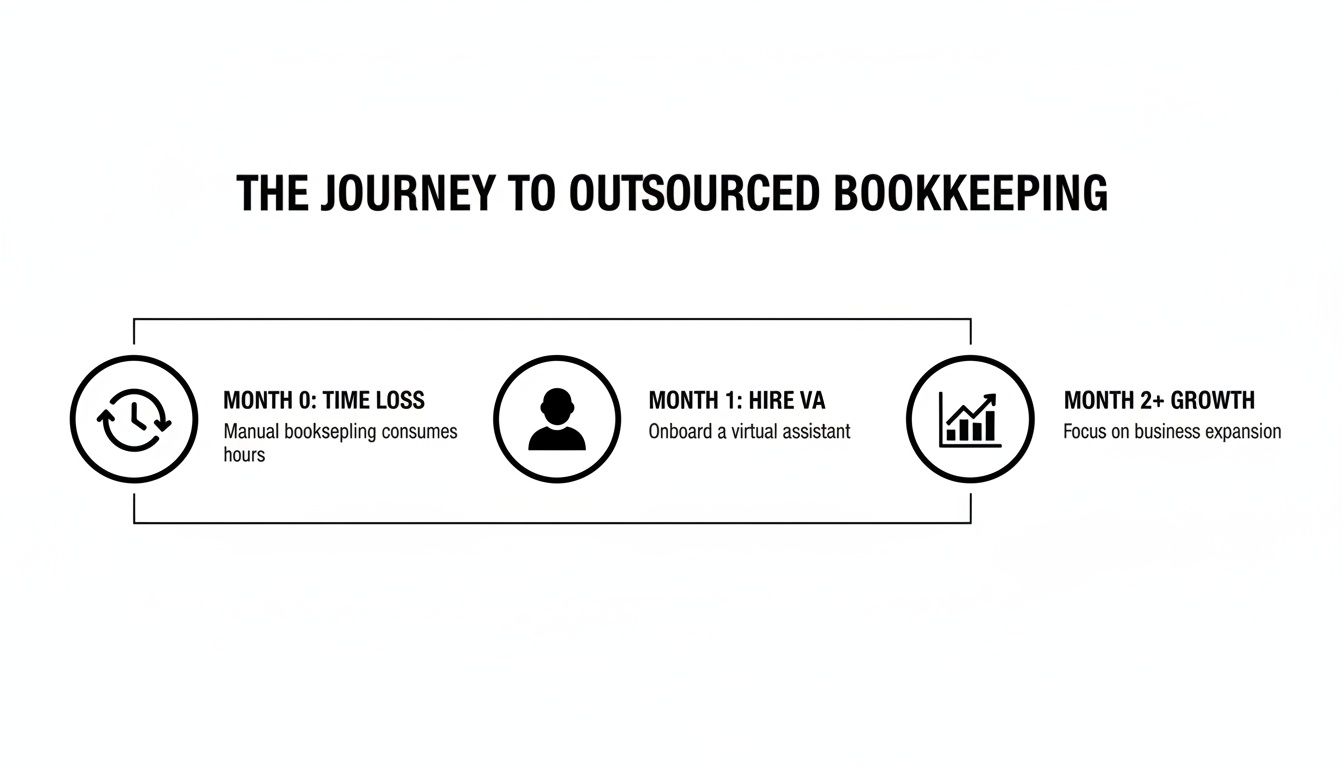
How do you know if hiring a virtual assistant for bookkeeping is actually working? Success is more than just feeling less busy; it's about seeing a tangible improvement in your financial operations. Tracking a few key metrics will provide a clear picture of your return on investment (ROI).
Suggested KPIs
Key Performance Indicators (KPIs) are measurable values that demonstrate effectiveness. Focus on these to track your VA's impact.
- Hours Saved/Week: The most direct measure of time reclaimed for strategic work.
- Task Turnaround Time: How long it takes to complete recurring tasks like monthly reconciliation. This should decrease over time.
- % Tasks Done Without Rework: A crucial quality metric. The goal is 95%+ after the initial 30-day onboarding.
- Backlog Size: Track the reduction in uncategorized transactions or unreconciled months.
- Time-to-Independence: How long it takes for the VA to run tasks with minimal oversight. This shows how effectively they are learning your business.
A Simple ROI Framing
You don't need a complex financial model to understand the value. Use this simple formula:
(Hours Saved Per Week × Your Hourly Value) – Weekly VA Cost = Weekly Value Gained
For example, a [Founder] in [San Francisco] saving 8 hours per week, who values their time at $200/hour, creates $1,600 in reclaimed value. When you subtract the VA's cost, the positive ROI is clear. Explore our plans and pricing to see how this works for your budget.
30-Day Success Scorecard Checklist
Use this checklist at the end of the first month to evaluate progress.
- The initial 3-5 delegated tasks are completed consistently with minimal oversight.
- My financial records in [Tool] like QuickBooks are consistently up-to-date.
- The backlog of financial admin has been noticeably reduced.
- Our communication rhythm (daily async, weekly sync) is working smoothly.
- The VA is following our SOPs and asking clarifying questions when needed.
- I have saved at least 5 hours this week to focus on higher-value work.
- I have increased confidence in the accuracy of our financial data.
FAQs
Here are concise answers to the questions we hear most often from founders considering a virtual assistant for bookkeeping.
1. What tasks should I delegate first?
Start with high-volume, low-risk tasks to build momentum. The best starting points are expense categorization, receipt management, and preparing draft invoices from a template. This allows your VA to learn your business before tackling more complex duties.
2. How do I give access securely?
Never share your primary logins. Use a password manager like LastPass or 1Password to share access without revealing passwords. Inside your accounting software (QuickBooks, Xero), create a separate user account for your VA with limited, role-based permissions. Always enforce 2FA.
3. What’s the difference between a virtual assistant and an executive assistant?
A Virtual Assistant (VA) is a broad term for a remote administrative professional. An Executive Assistant (EA) is a specialized type of VA who typically provides high-level support to senior leaders, managing calendars, travel, and communications. A bookkeeping VA is another specialization, focused solely on financial administrative tasks.
4. Dedicated VA vs pooled team—what’s better?
For a detail-oriented role like bookkeeping, a dedicated VA is far superior. They learn your business, preferences, and chart of accounts, leading to higher accuracy and proactive support. Pooled teams, where tasks go to the next available person, create inconsistency and require you to constantly re-explain context.
5. How does onboarding work and how long does it take?
A typical onboarding takes about 30 days. Our process involves a kickoff call, walking through your documented SOPs, and establishing a communication rhythm. The goal is for your VA to be handling their core tasks with minimal supervision by the end of the first month. Learn more about how our matching process works.
6. What happens if my assistant is unavailable?
This is a key advantage of working with a virtual assistant agency like Match My Assistant. If your dedicated VA is on vacation or out sick, we can provide a trained backup assistant to cover critical tasks, ensuring business continuity. This isn't something you get with a solo freelancer.
7. Is a VA better than hiring in-house for my situation?
For many small businesses, a virtual assistant is more cost-effective and flexible than a full-time, in-house employee. You avoid payroll taxes, benefits, and office overhead. It allows you to get expert help for the exact number of hours you need, whether that's 10 hours a week or 40. For more context, our guide on how to hire a virtual assistant can help.
Ready to reclaim your time and get your books in perfect order with reliable, outsourced admin support? We help busy founders and operators get matched with a vetted, US-based virtual assistant who has the right skills for your bookkeeping needs. To explore flexible support options, talk to our team.