

To scale your brand's social media without burning out, you need to delegate. Partnering with a vetted social media virtual assistant through an agency is the fastest way to get reliable, expert help, freeing you up to focus on growth while ensuring tasks are executed consistently. This approach saves you 10+ hours a week, prevents dropped balls, and eliminates the churn of finding, vetting, and managing freelancers.
If you’re a founder or business operator drowning in content scheduling and community management while trying to run your company, this guide is for you.
Summary (TL;DR)
- What to Do: Identify 3-5 high-volume, repeatable social media tasks (like post scheduling or comment moderation) to delegate first.
- What to Delegate: Start with execution, not strategy. Hand off content scheduling, basic graphic creation from templates, community engagement, and weekly performance reporting.
- What to Expect: Plan for a 30-day onboarding period. The first week is for training and access; by week four, your assistant should manage core tasks with minimal oversight.
- Common Pitfalls: Avoid vague instructions, delayed access to tools, and no regular check-in cadence. These create friction and slow down independence.
- Quick Timeline: Your VA should be handling initial tasks within the first 7 days and operating mostly independently on their core duties within the first month.
Key Takeaways
- Delegate Execution, Not Strategy: Hand off tasks like content scheduling, community moderation, and basic reporting. This frees up your core team for high-level planning.
- Start Small and Document: Begin by delegating 3–5 recurring, well-documented social media tasks to ensure a smooth handoff.
- Prioritize Consistency: The main goal is to maintain a consistent posting schedule and audience engagement without you having to be hands-on.
- Focus on ROI in Time: The real value is reclaiming 10+ hours per week, which you can reinvest into core business activities like sales, strategy, and team leadership.
- Choose Reliability Over Churn: A virtual assistant agency like Match My Assistant provides vetted talent, onboarding support, and a satisfaction guarantee, ensuring continuity that freelance marketplaces often can’t match.
Quick Answers
What does a social media VA do?
They handle day-to-day operational tasks: scheduling posts, managing content calendars, responding to comments, moderating communities, and pulling basic performance reports.
How do I give a VA access to my accounts securely?
Use a password manager like LastPass, grant role-based access within the social media platforms (e.g., “Editor,” not “Admin”), and enable Two-Factor Authentication (2FA).
Is a VA agency better than a freelancer?
An agency provides pre-vetted assistants, structured onboarding, and backup support, ensuring reliability and saving you management time. With freelancers, you handle all recruiting and management yourself.
Step-by-Step Playbook

Bringing a social media virtual assistant on board requires a repeatable game plan to build clarity and trust from day one. A thoughtful onboarding process is what separates a frustrating experience from a seamless one, getting tasks off your plate and ensuring your brand's voice stays consistent. This playbook walks you through the entire process, from task selection to scaling the partnership, so your new VA is running smoothly within 30 days.
1. Task Selection: Identify What to Delegate
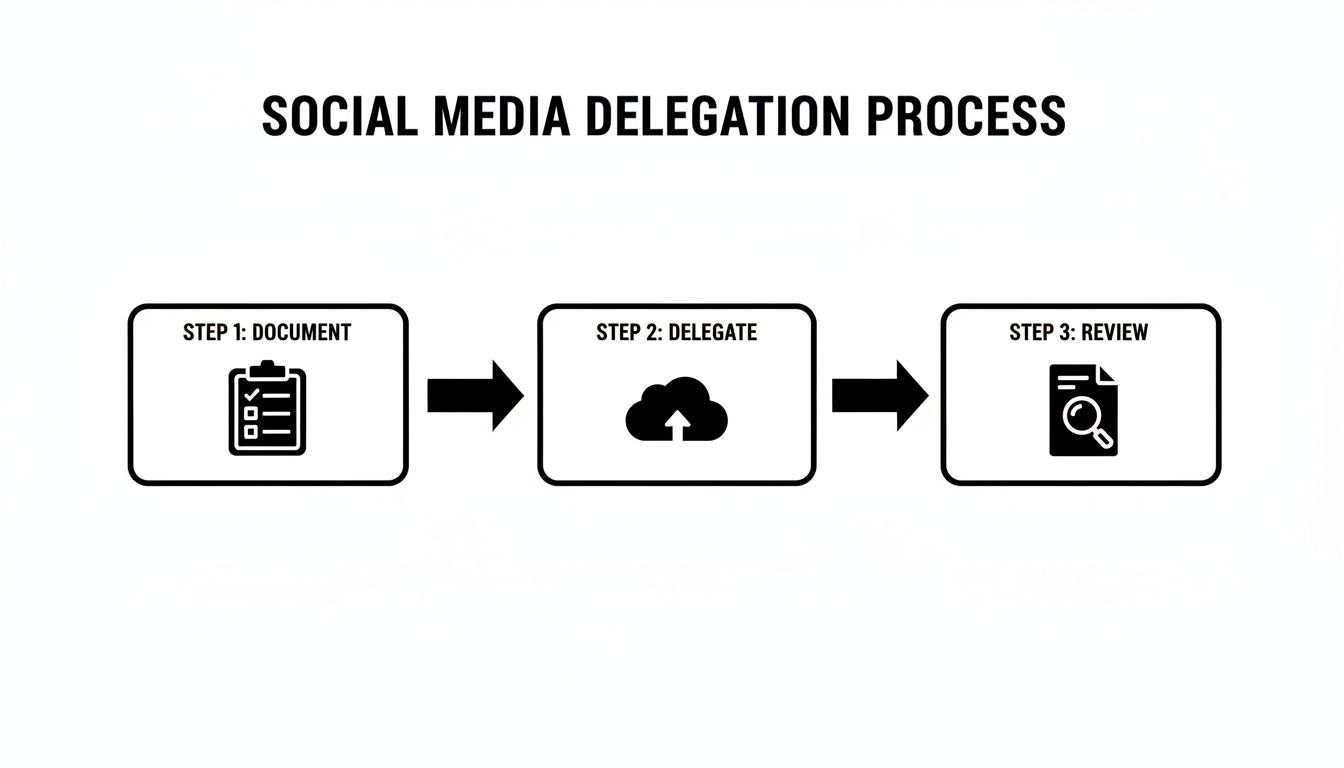
Before you can delegate, you must define the work. Audit your current social media workflow and pinpoint the 3-5 most repetitive, time-consuming tasks. The best candidates for delegation are high-volume but low-strategy, easy to document in a checklist, and performed within specific software like Buffer or Canva.
2. Task Briefing: Create a "Definition of Done"
A vague request like "post on LinkedIn" is a recipe for rework. For each task, create a simple, one-page document that clarifies the goal, necessary tools, and a clear "Definition of Done." This brief becomes your single source of truth, minimizing questions and ensuring the output matches your expectations.
3. Access/Security: Grant Secure Access to Tools
Security is non-negotiable. Never share your primary login credentials. Instead, follow these best practices for providing outsourced admin support:
- Use a Password Manager: Tools like LastPass or 1Password allow you to share access without revealing passwords.
- Assign User Roles: Most platforms have team features. Add your VA as an "Editor" or "Moderator," not an "Admin."
- Enable Two-Factor Authentication (2FA): Ensure 2FA is active on all accounts as an essential security layer. Always follow the principle of least privilege, granting access only to what is absolutely necessary.
4. Onboarding Week: A Structured First 7 Days
The first week sets the tone. A structured plan ensures your new remote executive assistant gets up to speed quickly and confidently.
- Week 1: Grant all necessary tool access. Hold a kickoff call to review the first 1-2 tasks and their briefs. Assign a small, low-risk task (e.g., scheduling three pre-written posts) to confirm the workflow.
- Week 2: Delegate the first full batch of recurring tasks (e.g., scheduling the week's content). Provide detailed, constructive feedback on their first deliverables.
- First 30 Days: Transition all initial tasks fully to your VA. Review performance against your Key Performance Indicators (KPIs), refine your Standard Operating Procedures (SOPs), and begin identifying the next tasks to delegate.
This structured approach is central to how our virtual assistant services ensure a smooth start.
5. Cadence/Communication: Set a Clear Rhythm
Establish a communication rhythm to avoid constant interruptions while staying aligned.
- Daily Check-in: A brief asynchronous message on Slack at the end of the day summarizing completed tasks.
- Weekly Sync: A 15-minute video call to review the past week, address roadblocks, and confirm priorities for the week ahead.
- Task-Specific Questions: Use comments within your project management tool (Asana or Trello) to keep conversations organized.
6. QA/Feedback: Build a Constructive Loop
Provide specific, actionable feedback, especially during the first 30 days. Instead of saying "the caption is wrong," explain why: "For our audience, let's use a more direct call to action, like 'Link in bio to read more.'" This helps your VA learn your brand voice and preferences faster.
7. Scaling the Relationship: Grow Beyond the Basics
Once your VA consistently masters their initial tasks with minimal oversight, it's time to delegate more. Return to your initial task audit and hand over more complex responsibilities, such as analytics reporting, hashtag research, or creating basic graphics from templates. This progressive delegation deepens the partnership and frees up even more of your time.
Delegation Assets (Templates + Scripts)

Effective delegation relies on clarity, not guesswork. Vague instructions lead to wasted time and rework. These copy-and-paste templates provide the structure your social media virtual assistant needs to execute tasks correctly and consistently from day one, getting work off your plate faster.
Task Brief Template
- Goal: What is the desired outcome of this task? (e.g., "Drive traffic to the new blog post.")
- Definition of Done: How do we know this is complete? (e.g., "The post is scheduled in [Tool] with approved copy, image, and link, and logged in the content calendar.")
- Inputs/Links: Provide all necessary materials upfront (e.g., link to Google Doc with copy, folder with images).
- Tools: List the required software (e.g., Canva for graphics, Buffer for scheduling).
- Constraints: Note any rules or limitations (e.g., "Caption must be under 150 words," "Always include #BrandHashtag").
- Examples: Link to 2-3 past posts that met the standard.
- Deadline: When does this need to be ready for review? (e.g., "Draft ready by Wednesday EOD").
- Escalation Rules: Who should the VA contact if they get stuck?
SOP / Checklist Template (Weekly Reporting)
A Standard Operating Procedure (SOP) turns complex tasks into a simple checklist.
- Log in to LinkedIn, Instagram, and Facebook native analytics.
- Open the "Weekly Social Media Metrics" Google Sheet.
- Navigate to the current week's tab.
- For each platform, record: Follower Count, Total Impressions, and Engagement Rate.
- Identify the top-performing post for each platform by engagement.
- Paste the link to each top post into the report.
- Add a one-sentence note on any significant performance changes.
- Double-check all data entries for accuracy.
- Mark the task in Asana as "Ready for Review."
- Notify manager in Slack: "@[Manager Name] The weekly social report is ready."
Communication Cadence Template
- Daily Asynchronous Check-in (Slack): A brief end-of-day summary of tasks completed.
- Weekly 15-Min Sync (Video Call):
- Agenda: Review past week's wins, discuss roadblocks, and align on next week's priorities.
- Async Task Questions (Project Management Tool): All non-urgent, task-specific questions should be posted as comments on the relevant task card in Asana.
"What to Delegate" Task List
[ ] Scheduling posts in Buffer or Hootsuite
[ ] Creating basic graphics from Canva templates
[ ] Repurposing blog content into social media captions
[ ] Finding and curating relevant industry articles to share
[ ] Responding to common comments and DMs using a script
[ ] Monitoring brand mentions and tags
[ ] Managing Facebook Group membership requests and posting welcome messages
[ ] Engaging with posts from key partners or influencers (liking/commenting)
[ ] Pulling weekly or monthly performance data into a spreadsheet
[ ] Compiling a list of top-performing posts for review
[ ] Hashtag research for upcoming posts
[ ] Updating profile information (e.g., link in bio)
[ ] Creating simple video clips or Reels from provided footage
[ ] Monitoring competitor social media activity for trends
[ ] Cleaning up follower lists or spam comments
Measurement & ROI

When you hire a social media virtual assistant, you are investing in reclaiming your time and focus. To ensure this investment pays off, you need a simple way to measure success. The most critical metrics are operational: efficiency, consistency, and the amount of time you get back to focus on high-value work.
Suggested KPIs
Track these Key Performance Indicators (KPIs) to measure your VA's impact:
- Hours Saved per Week: The primary metric. How many hours did you previously spend on these tasks?
- Task Turnaround Time: How quickly are tasks completed from assignment to delivery?
- % Tasks Done Without Rework: A high percentage indicates clear instructions and a competent assistant. Aim for 95%+ after 30 days.
- Backlog Size: Is your content calendar consistently scheduled a week or more in advance?
- Time-to-Independence: How long until the VA runs their core tasks with minimal oversight?
A Simple ROI Framing
The most powerful ROI calculation for a founder is based on the value of their reclaimed time.
(Hours Saved Per Week × Your Estimated Hourly Value) – Weekly VA Cost = Weekly ROI
If you reclaim 10 hours a week and value your time at $150/hour, that’s $1,500 in strategic value unlocked. Subtract the VA's cost, and the financial benefit is clear. This is the core value proposition when you hire a virtual assistant.
30-Day Scorecard Checklist
Use this checklist after the first month to evaluate success and identify areas for improvement.
[ ] All scheduled posts went live on time and without errors.
[ ] Community engagement met the agreed-upon response time goals.
[ ] Weekly reports were delivered accurately and on schedule.
[ ] The VA now operates independently on at least 80% of their core tasks.
[ ] All content correctly followed brand voice and style guidelines.
[ ] Minimal rework was required on delegated tasks.
[ ] The VA has proactively asked clarifying questions to improve processes.
FAQs
Here are concise answers to the questions we hear most from busy professionals looking to delegate.
What tasks should I delegate first?
Start with high-volume, repetitive tasks that don't require strategic decisions. The best first tasks are content scheduling (loading approved content into a tool like Buffer), basic community moderation (replying to common questions with a script), and pulling weekly analytics data into a report.
How do I give access securely?
Never share your main passwords. Use a password manager like LastPass or 1Password, assign limited roles within platforms (e.g., "Editor," not "Admin"), and ensure Two-Factor Authentication (2FA) is enabled on all accounts. This is a best practice for any managed virtual assistant relationship.
What’s the difference between a virtual assistant and an executive assistant?
A virtual assistant (VA) typically handles a broad range of remote administrative, technical, or creative tasks. A remote executive assistant (EA) is a specialized VA who provides high-level administrative support directly to senior leadership, focusing on tasks like calendar management, travel coordination, and executive communication.
Dedicated VA vs pooled team—what’s better?
A dedicated VA works exclusively with you, learning your preferences and business intricacies for a highly personalized partnership. A pooled team offers broader coverage but less personalized support, as tasks may be handled by different people. For leaders who value consistency and a deep working relationship, a dedicated VA is superior.
How does onboarding work and how long does it take?
A structured onboarding process takes about 30 days. The first week focuses on granting tool access and training on 1-2 core tasks. By the end of the first month, your VA should be handling their primary responsibilities with minimal supervision.
What happens if my assistant is unavailable?
This highlights a key difference between freelancers and a virtual assistant agency. If a freelancer is sick or on vacation, work stops. An agency like Match My Assistant provides a trained backup assistant to ensure business continuity, so your social media presence never goes dark.
Is a VA better than hiring in-house for my situation?
For most small businesses, a VA is more cost-effective and flexible than a full-time in-house hire. You avoid payroll taxes, benefits, and office space costs. It’s an ideal solution for getting expert help on specialized tasks without the overhead of another employee.
At Match My Assistant, we specialize in connecting busy leaders with top-tier, vetted social media virtual assistants. Our managed service provides the clarity, consistency, and reliability you need to delegate with confidence, backed by a satisfaction guarantee. We also support clients across the country, so whether you're searching for a "virtual assistant near me" in [City] or need fully remote support, our process is designed to find your perfect match.
If you’re ready to get hours back in your week and see your social media run like clockwork, let's connect. Learn about our flexible support options by reviewing our plans and pricing.
Ready to find your ideal assistant? Talk to our team about getting matched.