

The fastest way to improve your product quality is to delegate testing to a managed virtual assistant agency specializing in QA. Using outsourced QA services provides vetted, expert support that saves your team time, reduces bugs, and lets you focus on innovation instead of context-switching between building and fixing. If you're a founder or manager trying to ship reliable software without building an in-house QA team, this is your playbook.
Summary (TL;DR)
- What to do: Start by delegating repetitive, time-consuming tasks like manual regression and cross-browser testing to a managed QA service.
- What to delegate: Focus on tasks like compatibility testing, UI/UX checks, test case documentation, and smoke testing new builds.
- What to expect: A good partner will integrate into your workflow within the first 30 days, providing clear bug reports and freeing up your developers.
- Common pitfalls: Avoid vague instructions, sharing master passwords, and having no clear communication cadence.
- Quick timeline: Expect a 1-week setup, your first full test cycle in Week 2, and significant independence from the QA team by the end of the first month.
Key Takeaways
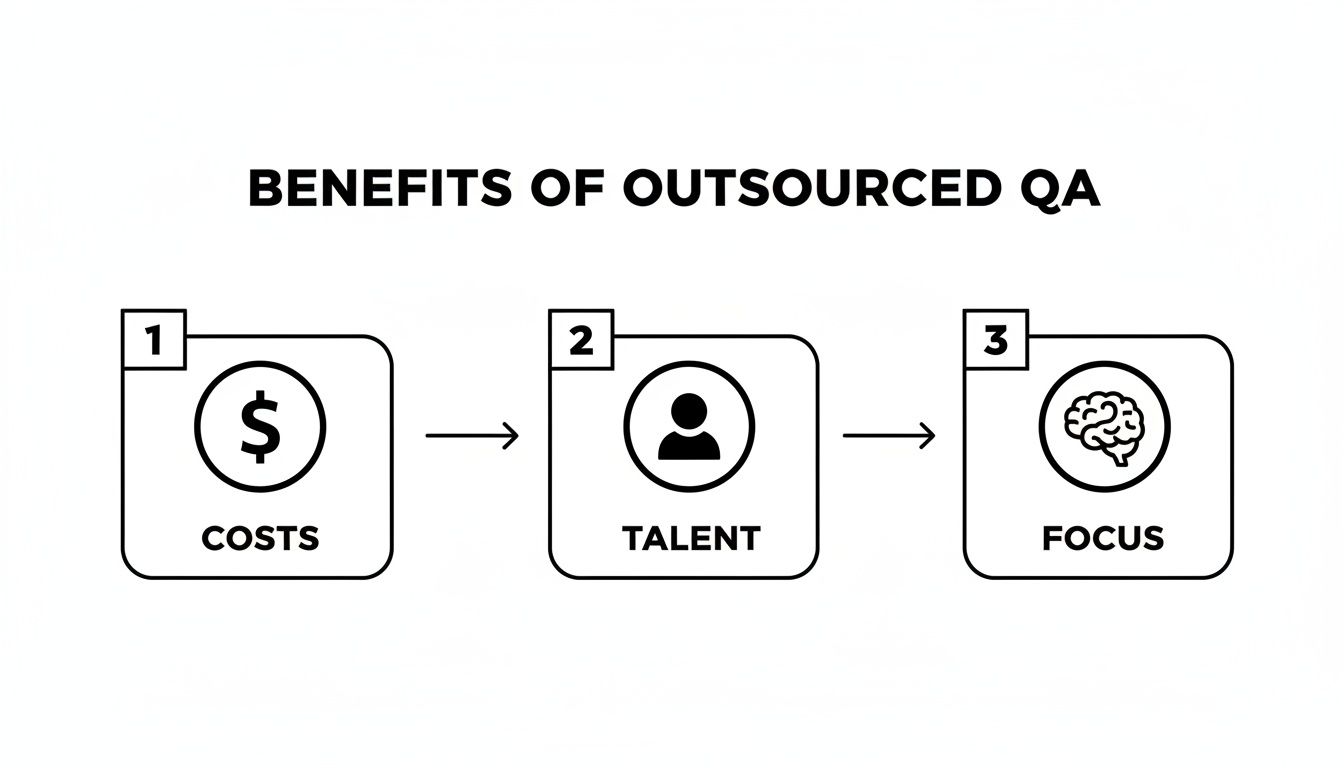
- Outsourcing QA is a strategic move to focus your developers on innovation, not bug hunting.
- A managed service offers consistency and scalability that freelance marketplaces can't match.
- Clear documentation (task briefs, SOPs) is non-negotiable for a successful handoff.
- Measure success with KPIs like hours saved, bug rejection rate, and "time-to-independence."
- Prioritize security by using password managers and granting role-based, limited access.
- Match My Assistant provides vetted support and a clear process to help you delegate with confidence, backed by a satisfaction guarantee.
Step-by-Step Playbook
Bringing an external QA partner into your workflow requires a structured process to avoid confusion and missed bugs. Following this 7-step playbook will ensure a smooth transition, setting your partnership up for success from day one. This process ensures clarity and consistency, getting work off your plate without the churn of random freelancers.
-
Task Selection: Choose What to Delegate First
Start with 3-5 high-impact, low-complexity tasks. Ideal candidates are repetitive and easy to document, such as manual regression testing, cross-browser compatibility checks, or verifying UI elements against designs. This provides a quick win and builds momentum. -
Task Briefing: Create Crystal-Clear Instructions
Your outsourced team is only as good as your instructions. Create a detailed task brief for each testing area. Define the goal, the "Definition of Done" (DoD), and provide all necessary links, tools, and examples. Ambiguity leads to rework and wasted time. -
Access & Security: Grant Secure, Limited Access
Security is critical. Use a password manager like LastPass or 1Password to share credentials—never send them over email. Follow the principle of least privilege: grant access only to the staging environments, tools, and repositories necessary for the job. Create separate, role-based logins (e.g.,qa-partner@yourcompany.com) and enforce Two-Factor Authentication (2FA). -
Onboarding Week: Establish the Foundation
The first week sets the tone for the entire relationship. A structured onboarding process is key.- Week 1: The QA assistant reviews your documentation, gets familiar with the application, and runs a few simple "smoke tests" to confirm their access and workflow are correct. This is also the time for a kickoff call to align on goals.
- Week 2: The assistant executes their first full test cycle based on the initial task briefs. You should receive daily async updates and the first batch of structured bug reports.
- First 30 Days: The goal is independence. By the end of the month, your assistant should be running test cycles with minimal oversight, fully integrated into your team's communication tools.
-
Cadence & Communication: Set a Clear Rhythm
Establish a predictable communication schedule. A dedicated Slack channel works perfectly for daily asynchronous (async) check-ins and quick questions. Supplement this with a 15-minute weekly sync call to review critical bugs, plan the next test cycle, and provide feedback. -
QA & Feedback: Implement a Tight Loop
Create a simple process for reviewing bug reports. When your QA partner files a bug in a tool like Jira, your developers should review it promptly. If a report is unclear, ask for clarification directly in the ticket. This continuous feedback loop helps the QA team learn what makes a bug report truly actionable, improving their output over time. -
Scaling the Relationship: Grow with Confidence
Once the initial tasks are running smoothly, you can systematically expand the scope. Introduce more complex work, such as performance testing, basic security checks, or even test automation. As trust builds, your outsourced QA partner can evolve from a service provider into a strategic extension of your product team.
Delegation Assets (Templates + Scripts)

To delegate effectively, you need clear, reusable assets. These templates eliminate guesswork and ensure your QA partner understands exactly what success looks like.
Task Brief Template
- Goal: (1-sentence objective, e.g., "Verify that the new user checkout flow works correctly on Chrome, Safari, and Firefox.")
- Definition of Done (DoD): (What does success look like? e.g., "All test cases passed, bug reports filed in Jira for any failures, and a summary report is posted in the #qa-updates Slack channel.")
- Inputs/Links: (Links to staging environment, designs, test cases, etc.)
- Tools: (List required software: Jira, Slack, BrowserStack, etc.)
- Constraints: (Things to avoid, e.g., "Do not test the 'Enterprise Plan' features in this cycle.")
- Examples: (Link to a previous successful bug report or summary.)
- Deadline: (e.g., "End of day Friday, [Date].")
- Escalation Rules: (Who to contact for what, e.g., "For critical blockers, tag @[Dev Lead] in Slack. For process questions, ask @[Your Name].")
SOP / Checklist Template (Example: Regression Test Cycle)
- Receive notification of new build deployment to staging environment.
- Log in to the staging server at
staging.your-app.com. - Open the Regression Test Suite document [Link to Google Sheet/TestRail].
- Execute all test cases marked "Priority 1."
- For each test case, record Pass/Fail status in the document.
- For any failed test, create a new bug report in Jira.
- Ensure bug report includes screenshots, steps to reproduce, and environment details.
- Link the Jira ticket back to the failed test case in the master document.
- Post a summary of results (e.g., "15/17 tests passed, 2 new bugs filed") in the #qa-updates Slack channel.
- Mark the regression cycle as complete.
Communication Cadence Template
- Daily Async Check-in (in Slack):
- Yesterday: What was completed?
- Today: What is the main priority?
- Blockers: Are there any obstacles?
- Weekly Sync (15-minute call):
- Review critical bugs found this week.
- Discuss priorities for the upcoming test cycle.
- Share feedback on bug report quality or process improvements.
- Confirm any changes to the product or testing scope.
"What to Delegate" Task List (Task Examples)
- Manual Regression Testing
- Cross-Browser Compatibility Testing
- Mobile Device Compatibility Testing (iOS & Android)
- User Interface (UI) and User Experience (UX) Testing
- Exploratory Testing on New Features
- Test Case Creation and Documentation
- API Testing (e.g., using Postman)
- Smoke Testing After New Builds
- Usability Testing
- Performance and Load Testing (Basic)
- Security Testing (Basic Vulnerability Checks)
- Localization and Internationalization Testing
- Accessibility Testing (e.g., WCAG compliance)
- Payment Gateway and Transaction Testing
- Data Validation and Integrity Checks
Measurement & ROI
How do you know if your investment in outsourced QA services is paying off? Tracking a few key metrics will help you measure success and ensure you're getting a strong return on your investment (ROI).
Suggested KPIs
- Hours Saved per Week: How much developer time is being freed up from manual testing?
- Task Turnaround Time: How quickly are test cycles completed from start to finish?
- % Tasks Done Without Rework: What percentage of bug reports are clear and actionable the first time?
- Backlog Size: Is the number of bugs found before release growing, while post-release bugs are shrinking?
- Time-to-Independence: How long does it take for your assistant to run test cycles with minimal oversight? (Goal: under 30 days).
A Simple ROI Framing
To calculate a basic ROI, think in terms of value, not just cost.
(Hours saved per week × Your hourly value as a leader/founder) – Cost of VA = Net Value
This formula helps frame the service as an investment in focus and efficiency, not just an expense. For example, if a [Marketing] agency in [City] saves their lead developer 5 hours a week, that's 5 more hours dedicated to building revenue-generating features.
30-Day Scorecard Checklist
Use this checklist at the end of the first month to evaluate the partnership's success.
- Clarity: Are bug reports clear, detailed, and easily reproducible?
- Communication: Is the assistant proactive in their daily async updates?
- Integration: Are they using your tools (Jira, Slack) effectively?
- Independence: Is the need for hand-holding significantly reduced since Week 1?
- Impact: Does your internal team feel the QA partner is saving them time and improving quality?
FAQs
Here are concise, factual answers to the questions we hear most from busy professionals.
Quick Answers
- What tasks should I delegate first? Start with repetitive, time-consuming tasks like manual regression testing and cross-browser checks.
- How do I give access securely? Use a password manager, create separate role-based accounts, and enforce 2FA. Never share master credentials.
- What’s the difference between a virtual assistant and an executive assistant? A virtual assistant (VA) can handle a wide range of specialized remote tasks (like QA), while an executive assistant (EA) typically provides high-level administrative support to one leader.
- Dedicated VA vs pooled team—what’s better? A dedicated VA offers deep product knowledge and consistency, ideal for ongoing, complex work. A pooled team offers flexibility for sporadic or highly varied tasks.
- How does onboarding work and how long does it take? A good onboarding takes about a week for setup and knowledge transfer, with the assistant operating independently within the first 30 days.
What happens if my assistant is unavailable?
This is a key advantage of working with a managed service like Match My Assistant over hiring a freelancer. If your primary assistant is sick or on vacation, our agency provides a trained backup to ensure there is no disruption to your workflow. Our satisfaction guarantee means you get consistent, reliable support.
Is a VA better than hiring in-house for my situation?
Outsourcing to a virtual assistant is often better if you need to move quickly, require specialized skills without the cost of a full-time salary, or have a variable workload. Hiring in-house makes more sense if you have a consistent, 40+ hour/week need and require deep institutional knowledge for a highly complex role. For many businesses, a managed virtual assistant provides the perfect balance of expertise, flexibility, and cost-efficiency.
At Match My Assistant, our managed virtual assistant services are built on vetted talent and a clear onboarding process—it's the only reliable way to get work off your plate. If you are ready to delegate with confidence and free up your team to focus on growth, talk to our team to learn how our matching process works and explore our flexible pricing options.