

For founders and operators, payroll isn't just a task—it's a high-stakes, time-consuming responsibility. The best next step is to choose a trusted payroll platform to automate the complex work and delegate the routine data management to a vetted assistant, saving you hours and reducing costly errors. This ensures payroll gets done right without pulling you away from growing the business. If you're a founder or ops manager drowning in admin while trying to scale, this playbook is for you.
At Match My Assistant, we help leaders delegate routine and specialized tasks like payroll administration to vetted virtual assistants through a clear onboarding process. Our focus is on delivering clarity and consistency, getting work off your plate without the churn of managing random freelancers. With our satisfaction guarantee, you can confidently build a reliable operational system.
Key Takeaways
- Choose First, Delegate Second: Select a payroll software platform (like Gusto or Rippling) that fits your business size and complexity first. Then, delegate the administrative management of that platform to a trusted assistant.
- Systemize the Process: Don't just hand over a login. Create a clear Standard Operating Procedure (SOP) for collecting timesheets, verifying data, and running payroll reports.
- Grant Secure Access: Use a password manager and create a specific user role for your assistant with the principle of least privilege. Never share your primary admin credentials.
- Focus on Pre-Payroll Admin: The biggest time-saver is delegating the tasks before you click "Run Payroll," such as chasing approvals, answering employee questions, and updating records.
- Measure ROI in Time Saved: The primary return on investment (ROI) comes from reclaiming high-value hours you would otherwise spend on administrative work, allowing you to focus on strategy and growth.
Quick Answers
What are payroll outsourcing companies?
They are third-party providers that manage all aspects of paying your employees, including calculating wages, withholding taxes, processing direct deposits, and filing government tax forms to ensure compliance.
What is the first task I should delegate for payroll?
Start by delegating the collection and verification of timesheets and hours. This is a recurring, time-consuming task that is easy to document and hand off.
How do I give a virtual assistant secure access to my payroll system?
Use a password manager like LastPass or 1Password to share credentials without revealing the actual password. If possible, create a separate user account for your assistant with limited, role-based permissions.
What's the difference between a payroll company and a PEO?
A payroll company processes payments and files taxes on your behalf. A Professional Employer Organization (PEO) becomes a co-employer, taking on legal responsibility for payroll, benefits, and HR compliance.
Summary (TL;DR)
- What to Do: Select a reputable payroll software (like Gusto, Rippling, or QuickBooks Payroll) that fits your team's size. Then, hire a managed virtual assistant to handle the administrative workload associated with it. This is more effective than managing the software yourself or hiring an expensive in-house role.
- What to Delegate: Focus on pre-payroll tasks. Delegate timesheet collection, data entry for bonuses or commissions, new hire setup in the system, and generating standard payroll reports.
- What to Expect: In the first month, you'll spend a few hours training your assistant on your process. By day 30, they should be able to manage 80% of the pre-payroll workflow with minimal oversight, saving you 3-5 hours per pay cycle.
- Common Pitfalls: Avoid delegating without a clear Standard Operating Procedure (SOP). Don't grant overly broad permissions. Forgetting to establish a clear review and approval step before payroll is finalized is a common mistake.
- Quick Timeline: Your assistant can be onboarded and running the pre-payroll process within the first two weeks. Expect them to achieve full independence on recurring tasks within 30-45 days.
Step-by-Step Playbook for Delegating Payroll Admin
Follow this process to effectively hand off payroll management to a remote executive assistant.
- Select Core Tasks for Delegation: Identify 3-5 of the most time-consuming, repetitive parts of your payroll process. Start with tasks like "Collect and verify all hourly timesheets" or "Enter approved commissions for the sales team." Don't try to delegate everything at once.
- Create a Task Brief: Use the template below to create a detailed brief for each task. Clearly define the goal, the "Definition of Done," and list all necessary tools and inputs. For a [Financial Services] firm, this might include links to a specific CRM report for commission data.
- Establish Secure Access: Set up a user account for your assistant in your payroll platform (e.g., Gusto) with restricted permissions (e.g., "Run Payroll" permissions disabled). Use a password manager like 1Password to share credentials securely for any supporting tools. Enable Two-Factor Authentication (2FA) on all accounts.
- Execute the Onboarding Week:
- Week 1: Have your assistant shadow you during one complete payroll cycle. Record the session. They should use this recording to draft the first version of the payroll SOP.
- Week 2: The assistant runs the process while you supervise (reverse shadow). You provide feedback and help them refine the SOP. They handle all data collection and prep work. You perform the final review and click "Run Payroll."
- Set the Communication Cadence: Use a daily 5-minute check-in during the first week to answer questions. After that, switch to a weekly 15-minute review to go over the upcoming payroll run. Use asynchronous communication (email, Slack) for non-urgent updates.
- Implement a QA/Feedback Loop: For the first 30 days, you must be the final checkpoint. Review the pre-payroll report your assistant prepares before it's processed. Provide specific, constructive feedback to close any gaps in the SOP. The goal is to build trust and accuracy.
- Scale the Relationship: Once the initial tasks are running smoothly (typically after 30-45 days), start adding adjacent responsibilities. This could include managing PTO requests within the system, updating employee records, or handling the administrative side of employee onboarding and offboarding.
Delegation Assets (Templates & Scripts)
Task Brief Template: Weekly Payroll Preparation
- Goal: To prepare the bi-weekly payroll run in [Tool: Gusto] for final review and approval by [Your Name] no later than Tuesday at 5 PM ET.
- Definition of Done: All employee hours are entered and verified, all commissions and bonuses are added, and the pre-payroll approval report is generated and sent to me for final sign-off.
- Inputs/Links:
- Link to employee timesheet folder: [Link]
- Link to commission approval spreadsheet: [Link]
- Login for [Tool: Gusto]: Shared via LastPass.
- Tools: Gusto, Google Sheets, Slack.
- Constraints: Do not click the final "Submit Payroll" button. This requires my final approval. Do not change any employee's base salary or bank details without written confirmation from me.
- Examples: See the video recording of our last payroll run here: [Link to Loom/Vimeo].
- Deadline: Every other Tuesday, 5 PM ET.
- Escalation Rules: If a timesheet is missing or incorrect, notify the relevant manager via Slack and cc me. If they don't respond within 4 hours, escalate to me directly.
SOP / Checklist Template: Bi-Weekly Payroll Process
- (Friday AM) Send a reminder to all managers to approve their team's timesheets by EOD.
- (Monday 9 AM) Review the timesheet folder to confirm all approved timesheets are present.
- (Monday 10 AM) Follow up on any missing timesheets with the relevant manager.
- (Monday 1 PM) Log in to [Tool: Gusto] and begin a new payroll run.
- (Monday 1:30 PM) Enter all approved hours for non-exempt employees.
- (Monday 2:30 PM) Open the approved commission spreadsheet and enter all one-time payments.
- (Monday 3 PM) Double-check all entries against the source documents for accuracy.
- (Monday 4 PM) Check for any approved PTO that needs to be entered.
- (Tuesday 10 AM) Generate the "Payroll Details" report for review.
- (Tuesday 11 AM) Send the report to [Your Name] via Slack with the message: "Payroll for the period [Start Date] – [End Date] is ready for your final review."
- (Tuesday PM) Once approval is received, mark this task as complete.
- (Post-Payroll) File all source documents (timesheets, commission sheets) into the appropriate "Processed" folder in Google Drive.
Communication Cadence Template
- Weekly Payroll Check-in (15 mins, every other Monday):
- Agenda Item 1: Confirm all timesheets and commission data have been received.
- Agenda Item 2: Review any exceptions or issues from the previous pay period.
- Agenda Item 3: Discuss any upcoming changes (new hires, terminations, raises).
- Async Communication (Slack/Email):
- Use for: Status updates ("All timesheets are in"), flagging missing information, sending reports for approval.
- Do not use for: Urgent issues requiring immediate action (use a direct message or call instead).
What to Delegate: Payroll Administration Task List
- Collect and consolidate timesheets from all departments.
- Verify timesheet accuracy and manager approvals.
- Enter hourly data into the payroll system.
- Input approved bonuses and commissions.
- Process expense reimbursements through payroll.
- Add new hires to the payroll platform.
- Process termination paperwork and issue final paychecks.
- Update employee records (address, bank details, tax forms).
- Manage and track Paid Time Off (PTO) accruals and requests.
- Answer routine employee questions about pay stubs.
- Generate standard payroll reports for the accounting team.
- Prepare and send payroll reminders to managers.
- Assist with benefits enrollment data entry during open enrollment.
- Track and manage garnishments or other deductions.
- Organize and file digital payroll records after each cycle.
Measurement & ROI
Suggested KPIs for Payroll Delegation
- Hours Saved per Week: The number of hours you no longer spend on payroll admin.
- Task Turnaround Time: How long it takes from task assignment to completion (e.g., time from receiving commission data to having it entered in the system).
- % Tasks Done Without Rework: Aim for 98% accuracy after the first 30 days. This measures the quality of the SOP and the assistant's execution.
- Time-to-Independence: The number of days until the assistant can manage the entire pre-payroll process with only a final review from you. Target: 30 days.
- Backlog Size: The number of pending payroll-related updates (e.g., new hire entries, address changes) should approach zero.
Simple ROI Framing
A simple way to justify the cost is to measure the value of your reclaimed time.
(Hours you save per month) x (Your estimated hourly value) – (Cost of the virtual assistant) = Net Value Gained
This calculation doesn't even include the value of reduced errors, improved compliance, and increased focus on strategic initiatives. For more information, check out our plans and pricing.
30-Day Success Scorecard
- Is a documented SOP for the payroll process now in place?
- Can the assistant successfully collect and verify all necessary data without prompting?
- Have payroll errors decreased or remained at zero?
- Are employee payroll questions being handled by the assistant first?
- Are you spending less than 30 minutes per pay cycle on payroll (for review and approval)?
- Do you feel more confident that payroll will be handled correctly, even if you are unavailable?
FAQs
What tasks should I delegate first?
Start with the most repetitive and time-consuming data collection tasks. This is typically collecting and verifying hourly timesheets or entering approved commissions. These are easy to document and have a low risk profile.
How do I give access to my payroll system securely?
Always use a password manager (like 1Password or LastPass) to share credentials, and enable two-factor authentication (2FA). Most importantly, create a unique login for your assistant with role-based permissions that restrict them from actions like changing salaries or finalizing payroll runs.
What's the difference between a virtual assistant and an executive assistant?
The terms are often used interchangeably for remote support. A virtual assistant (VA) can be general or specialized. An executive assistant (EA), remote or in-person, typically provides higher-level strategic and administrative support directly to a leader. Our virtual assistant services can cover both roles.
Dedicated VA vs. pooled team—what’s better for payroll?
For a sensitive and detail-oriented function like payroll, a dedicated VA is almost always better. They learn the specifics of your business, build trust, and become a consistent point of contact, which is crucial for maintaining accuracy and confidentiality.
How does onboarding work and how long does it take?
A structured onboarding process takes about two weeks. Week one involves the VA shadowing you. Week two involves the VA running the process while you supervise. Full autonomy on core tasks can be expected within 30 days. You can learn more about how our matching process works.
What happens if my assistant is unavailable?
With a managed service like Match My Assistant, we have backup support available. Because your process is documented in an SOP, a trained backup assistant can step in to ensure critical deadlines like payroll are never missed.
Is a VA better than hiring in-house for my situation?
For most small to mid-sized businesses, a VA is more cost-effective. You avoid the overhead of a full-time employee (benefits, taxes, equipment) and can scale support up or down as needed. It's an ideal solution when you don't have enough work for a full-time payroll manager but need more help than you can provide yourself.
The Top Payroll Software Platforms to Choose From
Before you can delegate payroll administration, you need a robust software platform. These platforms automate the most complex parts of the process, like tax calculations and filings. Your virtual assistant will then manage the day-to-day operations within the tool you choose. Here are the top payroll outsourcing companies and software providers to consider.
1. ADP — RUN Powered by ADP
As one of the most established names in the industry, ADP offers a specialized solution for small businesses called RUN Powered by ADP. This platform is designed for companies that prioritize robust compliance and need a payroll system that can scale with them. RUN automates critical payroll tasks, including federal, state, and local tax calculations and filings, new-hire reporting, and W-2/1099 preparation, making it a comprehensive choice among payroll outsourcing companies.
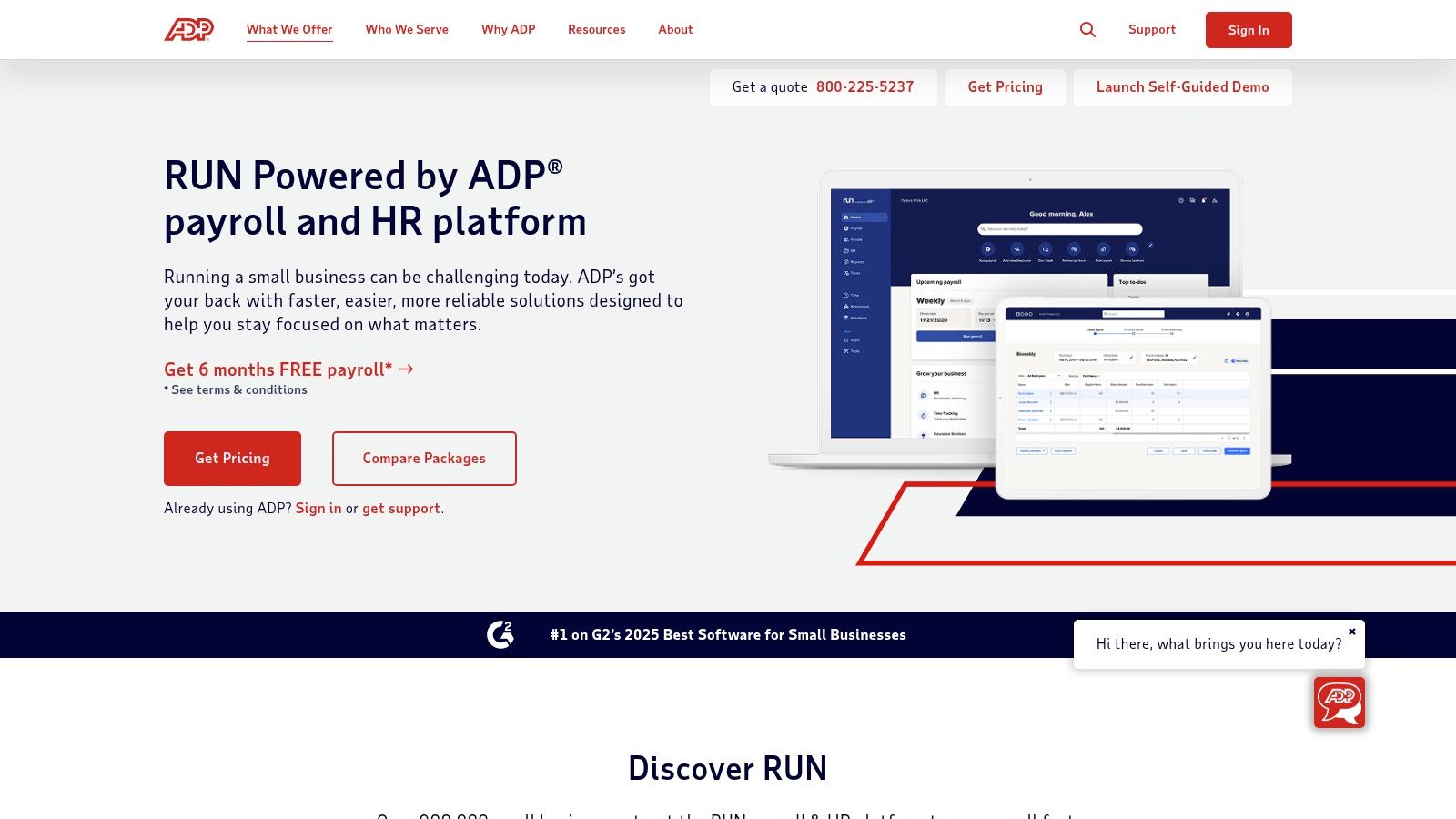
The platform stands out for its deep compliance infrastructure, offering features like garnishment payment services and access to HR support, which is invaluable for businesses navigating complex labor laws. While ADP provides powerful tools, its opaque pricing model requires a direct sales quote, which can be a hurdle for businesses seeking quick, transparent cost comparisons.
Core Services & Features
- Full-Service Payroll: Automated tax filing for federal, state, and local jurisdictions.
- Compliance Tools: Handles new-hire reporting, garnishments, and W-2/1099 forms.
- HR Integration: Optional add-ons for HR support, time tracking, and benefits administration through the ADP marketplace.
- Mobile Access: Dedicated mobile apps for both employers and employees to manage payroll and view pay stubs.
Who It's For
RUN is ideal for small to mid-sized businesses that anticipate growth and require a scalable solution with strong compliance backing. It's particularly well-suited for companies operating in multiple states or those in industries with complex regulatory requirements.
Pros:
- Extensive compliance features and audit support.
- Highly scalable, from startups to large enterprises.
- Large ecosystem of integrations and partners.
Cons:
- Pricing is not available online and requires a sales consultation.
- Costs can increase significantly with add-on services.
Website: https://www.adp.com/what-we-offer/products/run-powered-by-adp.aspx
2. Paychex (Paychex Flex)
Paychex is a well-known name in the payroll industry, offering its Paychex Flex platform as a comprehensive solution for small to mid-sized businesses. This platform is built for companies that need a scalable service combining payroll with integrated HR, benefits, and time-tracking tools. Paychex automates payroll processing, tax filing, and year-end reporting, positioning itself as a strong contender among payroll outsourcing companies for businesses seeking an all-in-one solution.
The platform's standout feature is its flexibility, offering everything from basic payroll to a full Professional Employer Organization (PEO) model for co-employment. This allows businesses to access deeper HR support and benefits administration as they grow. However, like many established providers, its pricing is largely quote-based, which can make direct comparisons difficult for businesses that prefer transparent, upfront costs.
Core Services & Features
- Full-Service Payroll: Automated payroll processing, tax calculation, payment, and filing.
- HR and Onboarding: Integrated tools for hiring, employee onboarding, and HR document management.
- Optional Services: Add-ons for time tracking, benefits administration, and 401(k) plans are available.
- PEO Option: A co-employment model that provides comprehensive HR, risk, and compliance management.
Who It's For
Paychex Flex is ideal for small to mid-sized businesses looking for a single platform that can handle both payroll and a wide range of HR functions. It is particularly suitable for companies that may eventually want to move to a PEO model without changing providers.
Pros:
- Highly scalable with a broad set of HR and payroll features.
- Offers a PEO option for comprehensive HR outsourcing.
- Strong customer support with dedicated specialist options.
Cons:
- Pricing is not transparent and requires a custom quote.
- The most valuable features are often locked behind higher-priced tiers.
Website: https://www.paychex.com/payroll/payroll-options
3. Gusto
Gusto has become a popular choice for modern small businesses, celebrated for its user-friendly interface and transparent, all-in-one platform for payroll, benefits, and HR. It is designed for companies that value simplicity, clear online pricing, and self-service signup without needing to speak to a sales representative. Gusto automates payroll runs and handles all federal, state, and local tax filings, making it one of the most accessible payroll outsourcing companies for startups and growing teams.
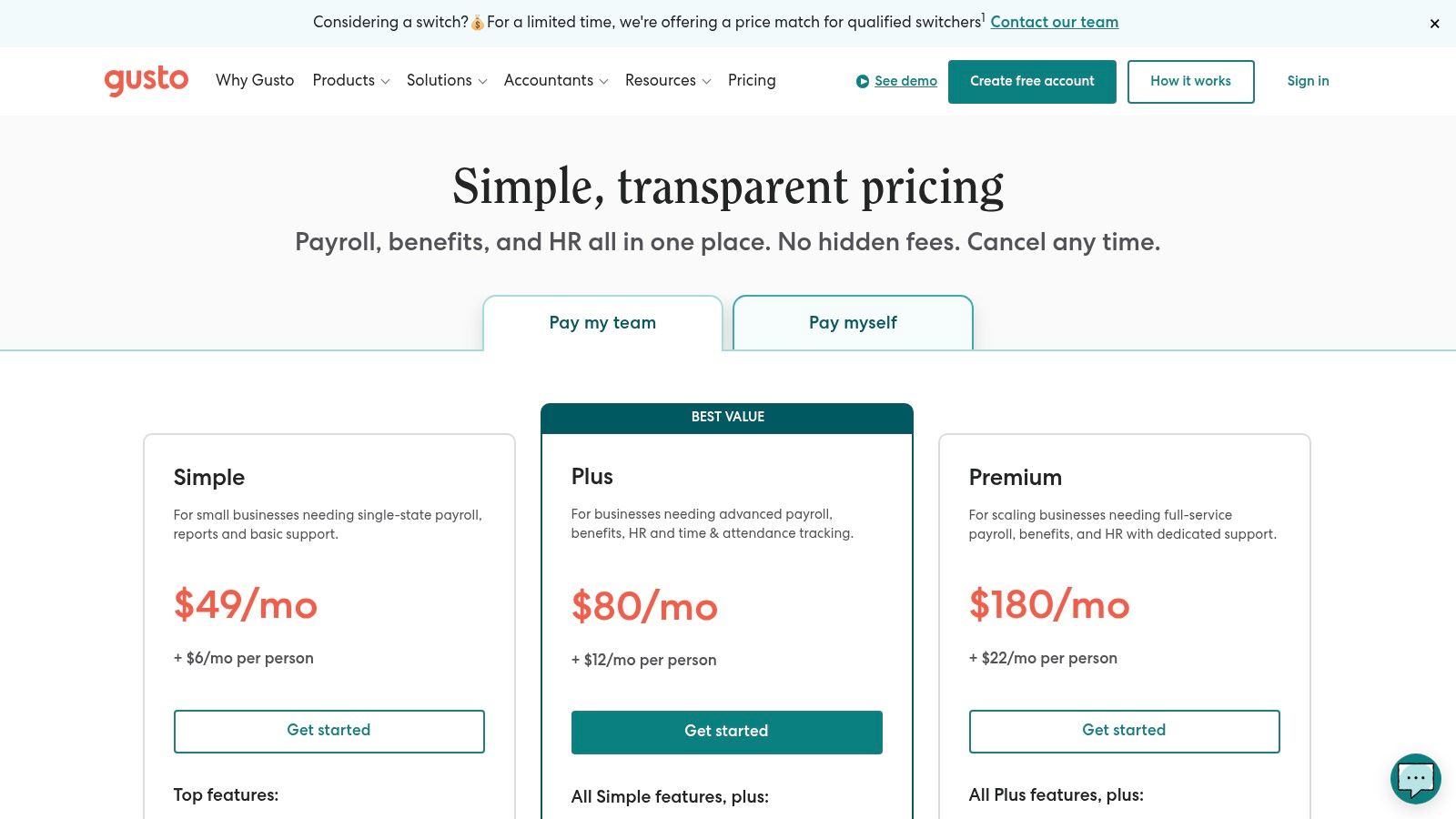
The platform’s strength lies in its intuitive design, which simplifies complex tasks like employee onboarding, benefits administration, and compliance. Gusto’s pricing is tiered and publicly available on its website, a key differentiator from competitors that require custom quotes. While its core offering is robust for U.S.-based employees, services for global contractors are part of a separate, more expensive offering.
Core Services & Features
- Full-Service Payroll: Unlimited payroll runs, automated tax filings, and W-2/1099 generation.
- HR & Onboarding Tools: Integrated employee onboarding, time tracking, and PTO management.
- Benefits Administration: Access to health insurance, 401(k) plans, and workers' comp administration.
- Employee Self-Service: A modern portal for employees to access pay stubs, update information, and manage benefits.
Who It's For
Gusto is ideal for startups and small to mid-sized businesses looking for a straightforward, user-friendly payroll and HR solution with transparent pricing. It is particularly well-suited for companies that want to manage payroll, benefits, and basic HR functions in one place. For businesses needing to integrate payroll data with their financial records, exploring a specialized bookkeeping service for small business can further streamline operations.
Pros:
- Transparent, easy-to-understand online pricing.
- Excellent user experience and intuitive interface.
- Combines payroll, benefits, and HR in a single platform.
Cons:
- Advanced HR support and multi-state payroll are limited to higher-priced tiers.
- Global payroll and EOR services are priced separately and can be costly.
Website: https://gusto.com/product/pricing
4. Rippling
Rippling presents itself as a unified workforce platform where payroll is just one module within a comprehensive HR, IT, and Finance ecosystem. This modular approach is designed for businesses that want to build a highly customized and automated technology stack. Rippling automates global payroll, tax filing, and compliance tasks, but its core strength lies in its ability to connect disparate workforce systems, from onboarding to offboarding.
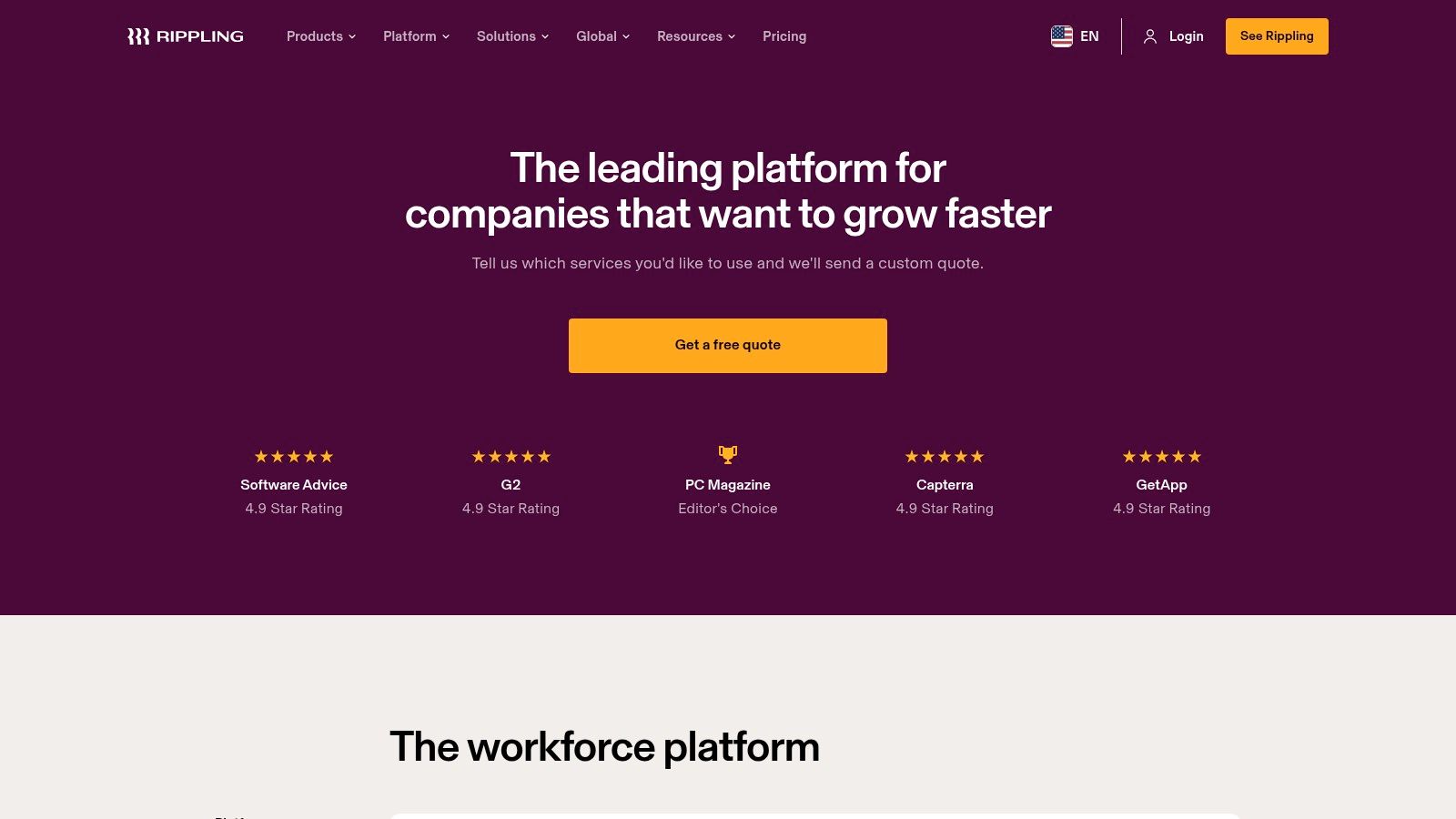
The platform stands out for its powerful automation capabilities that extend beyond payroll. For example, you can set rules to automatically provision software access during onboarding and revoke it upon termination, all tied to the central employee record. However, its pricing is entirely custom and requires purchasing the core "Rippling Unity" platform first, which can increase the baseline cost compared to standalone payroll outsourcing companies.
Core Services & Features
- Unified Payroll: Manages U.S. and international payroll with automated tax filing and compliance.
- Modular Platform: Add-on modules for benefits administration, time and attendance, expense management, and IT device management.
- Workforce Automations: Automates cross-departmental workflows like onboarding, promotions, and offboarding.
- Integrated Employee Data: A single source of truth for all employee information, which syncs across all Rippling modules.
Who It's For
Rippling is best for tech-savvy, fast-growing companies that need more than just payroll and want to build an integrated system to manage employees, apps, and devices from one place. Its a la carte model appeals to businesses that want to design a custom solution and value deep automation to improve operational efficiency.
Pros:
- Highly extensible and customizable with a wide range of modules.
- Excellent automation capabilities across HR and IT functions.
- Unified platform simplifies employee data management.
Cons:
- Pricing is not transparent and requires a custom sales quote.
- The required core platform increases the initial investment.
Website: https://www.rippling.com/pricing
5. QuickBooks Payroll (Intuit)
For small businesses already embedded in the QuickBooks ecosystem, Intuit’s QuickBooks Payroll is often the most logical and efficient choice. This platform is built for seamless integration with QuickBooks Online accounting software, eliminating the need for manual data entry and ensuring financial records are always in sync. It automates key payroll processes, including tax calculations and filings, and offers features designed specifically for the needs of small, growing companies.
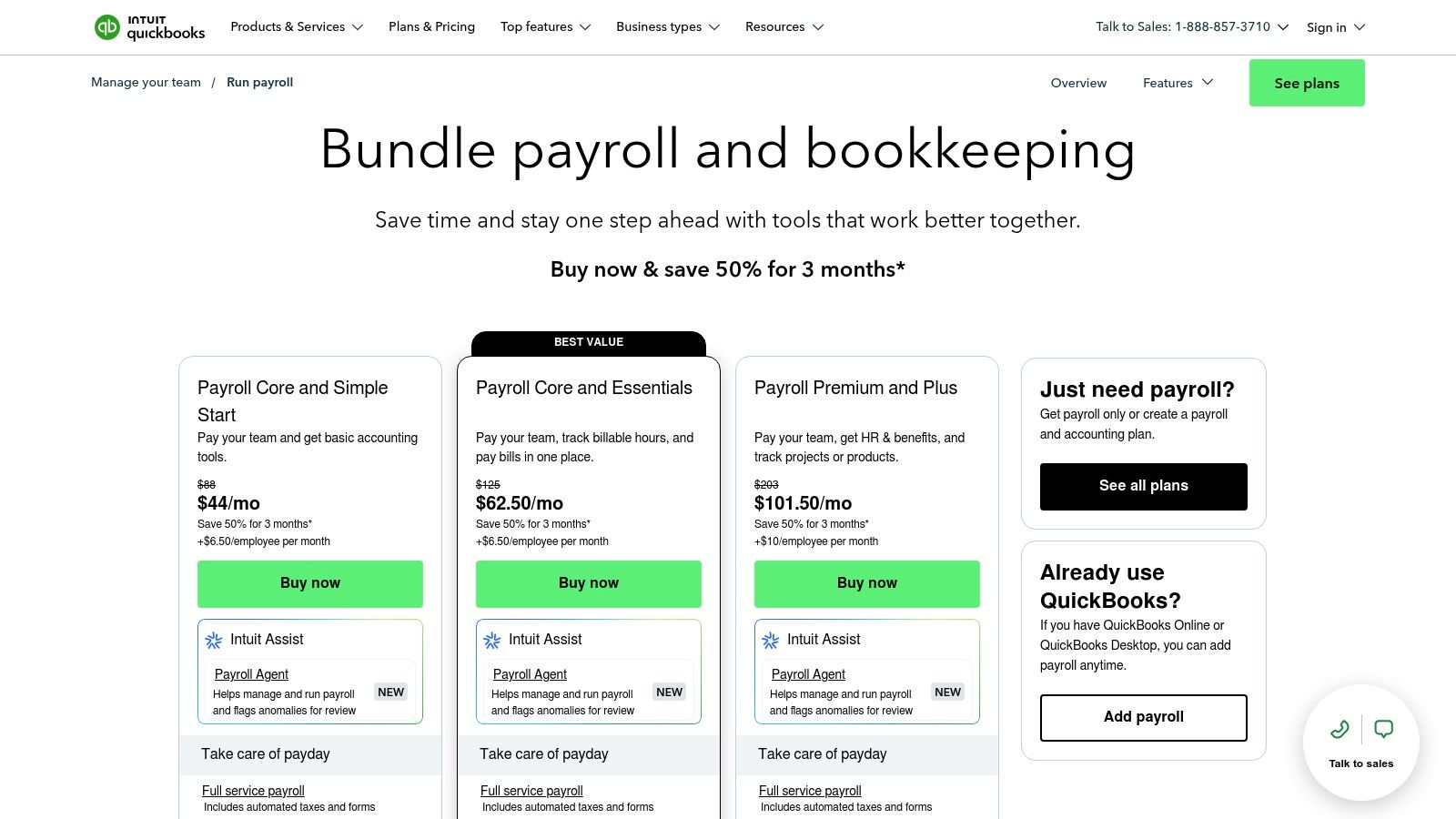
The primary advantage of this platform is its unparalleled accounting synchronization, which simplifies bookkeeping and provides a unified financial dashboard. Higher-tier plans add valuable HR support and time-tracking tools, making it a comprehensive solution. While it presents a powerful case for existing QuickBooks users, its full value is diminished if you use a different accounting system, and the most advanced features are locked behind its premium plans.
Core Services & Features
- Full-Service Payroll: Automated federal and state tax filings and payments.
- QuickBooks Integration: Payroll data, tax payments, and other expenses sync automatically with QuickBooks Online.
- Flexible Direct Deposit: Offers next-day and same-day direct deposit options, depending on the plan.
- HR and Benefits: Optional access to HR advisory services through Mineral, plus integrated health benefits and workers' comp administration.
Who It's For
QuickBooks Payroll is ideal for small businesses and startups that currently use or plan to use QuickBooks Online for their accounting. It is particularly beneficial for companies that want a single, integrated system for managing both finances and payroll.
Pros:
- Seamless and automatic integration with QuickBooks accounting software.
- User-friendly interface that is easy for small business owners to manage.
- Transparent pricing with frequent introductory offers.
Cons:
- Best value is dependent on having a QuickBooks Online subscription.
- Advanced HR support and time-tracking features are limited to higher-priced tiers.
Website: https://quickbooks.intuit.com/payroll/pricing/
6. Paycor
Paycor offers a comprehensive Human Capital Management (HCM) platform that integrates payroll, time tracking, and HR into a unified system. It is designed for growing businesses that need more than just basic payroll and anticipate expanding their HR capabilities over time. Paycor automates tax filing across all 50 states, provides detailed reporting, and supports a guided implementation process, making it a strong contender among payroll outsourcing companies for teams that value hands-on support.
The platform's strength lies in its scalability. Businesses can start with core payroll and add modules for recruiting, performance management, benefits administration, and on-demand pay as their needs evolve. This modular approach allows for a customized solution, though pricing is often quote-based and can become complex with multiple add-ons. The user experience is robust but may be more than what a very small team requires.
Core Services & Features
- Full-Service Payroll: Includes unlimited payroll runs, automated tax filing, and direct deposit.
- HR Management Suite: Optional modules for recruiting, onboarding, performance management, and benefits administration.
- Employee Self-Service: A portal and mobile app for employees to access pay stubs, W-2s, and manage personal information.
- Reporting & Analytics: A suite of standard and customizable reports to track payroll and HR metrics.
Who It's For
Paycor is best suited for small to mid-sized businesses that are scaling and plan to build out their HR functions. Companies looking for a partner that provides guided onboarding and can support their growth from a simple payroll provider to a full-featured HCM solution will find Paycor to be a great fit.
Pros:
- Highly scalable platform that grows with your business.
- Strong focus on hands-on onboarding and customer support.
- Comprehensive suite of HR tools beyond payroll.
Cons:
- Pricing requires a direct quote and can be complex with add-ons.
- The platform's extensive features might be overwhelming for very small businesses.
Website: https://www.paycor.com/plans-pricing/
7. Square Payroll
For businesses already operating within the Square ecosystem, Square Payroll offers a seamlessly integrated and straightforward solution. It is designed specifically for retail, food service, and other industries with hourly or shift-based workforces. The platform simplifies payroll by directly connecting with Square’s Point of Sale (POS) and timekeeping tools, automating wage calculations based on tracked hours. This makes it an incredibly efficient choice among payroll outsourcing companies for current Square users.
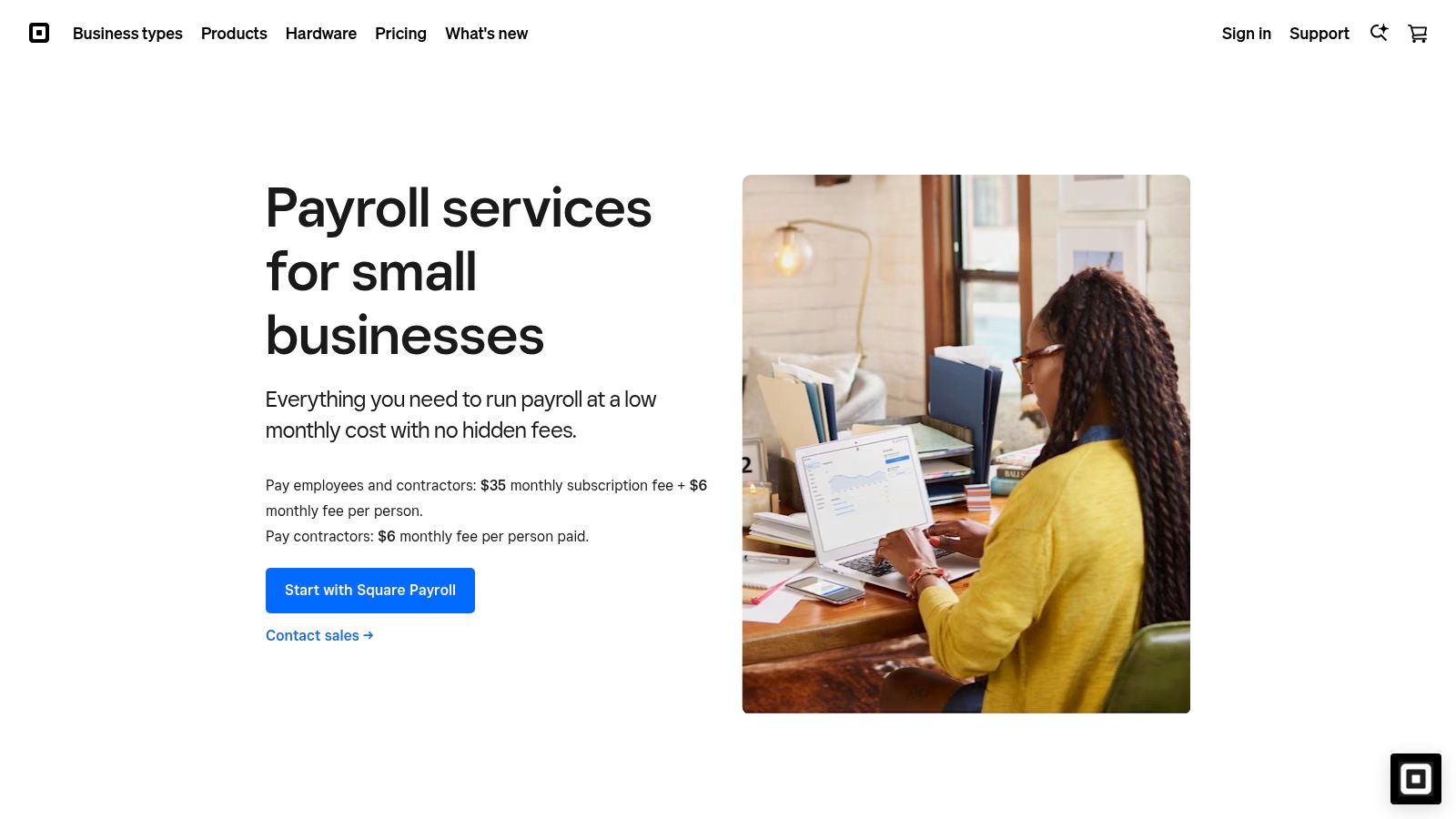
Square Payroll stands out with its transparent, simple pricing and its unique contractor-only plan, which is perfect for businesses that rely heavily on freelance talent. The platform automates tax filings and payments, generates W-2s and 1099s, and provides an easy-to-use interface for both employers and employees. While it may not have the expansive human capital management (HCM) features of larger competitors, its strength lies in its simplicity and deep integration with Square’s business management tools.
Core Services & Features
- Full-Service Payroll: Automated payroll processing, tax calculations, and filings for federal and state jurisdictions.
- Contractor-Only Plan: A dedicated, low-cost plan for businesses that only pay 1099 contractors.
- Square Ecosystem Integration: Syncs seamlessly with Square POS, Team Management, and partner apps like Homebase and QuickBooks Online.
- Employee Management: Includes employee accounts for accessing pay stubs and tax forms, plus options for benefits administration.
Who It's For
Square Payroll is the ideal choice for small businesses, particularly in the retail, restaurant, and service sectors, that already use Square for payments and operations. It is also an excellent fit for startups and small companies that need a simple, affordable way to pay a mix of W-2 employees and 1099 contractors without the complexity of a full-scale HR suite.
Pros:
- Extremely simple, transparent pricing and fast setup.
- Excellent integration for businesses using Square POS.
- Affordable contractor-only payroll option.
Cons:
- Lacks the advanced HR and compliance features of larger platforms.
- Provides the best value primarily for existing Square customers.
Website: https://squareup.com/us/en/payroll/small-business
8. OnPay
OnPay targets small to mid-sized businesses with a straightforward, all-in-one payroll and HR solution. The platform’s main appeal is its transparent, flat-rate pricing, which covers full-service payroll, tax filings, and basic HR tools without requiring complex add-on packages. This makes it an excellent choice for businesses seeking predictable costs and a comprehensive feature set from their payroll outsourcing companies without the enterprise-level complexity.
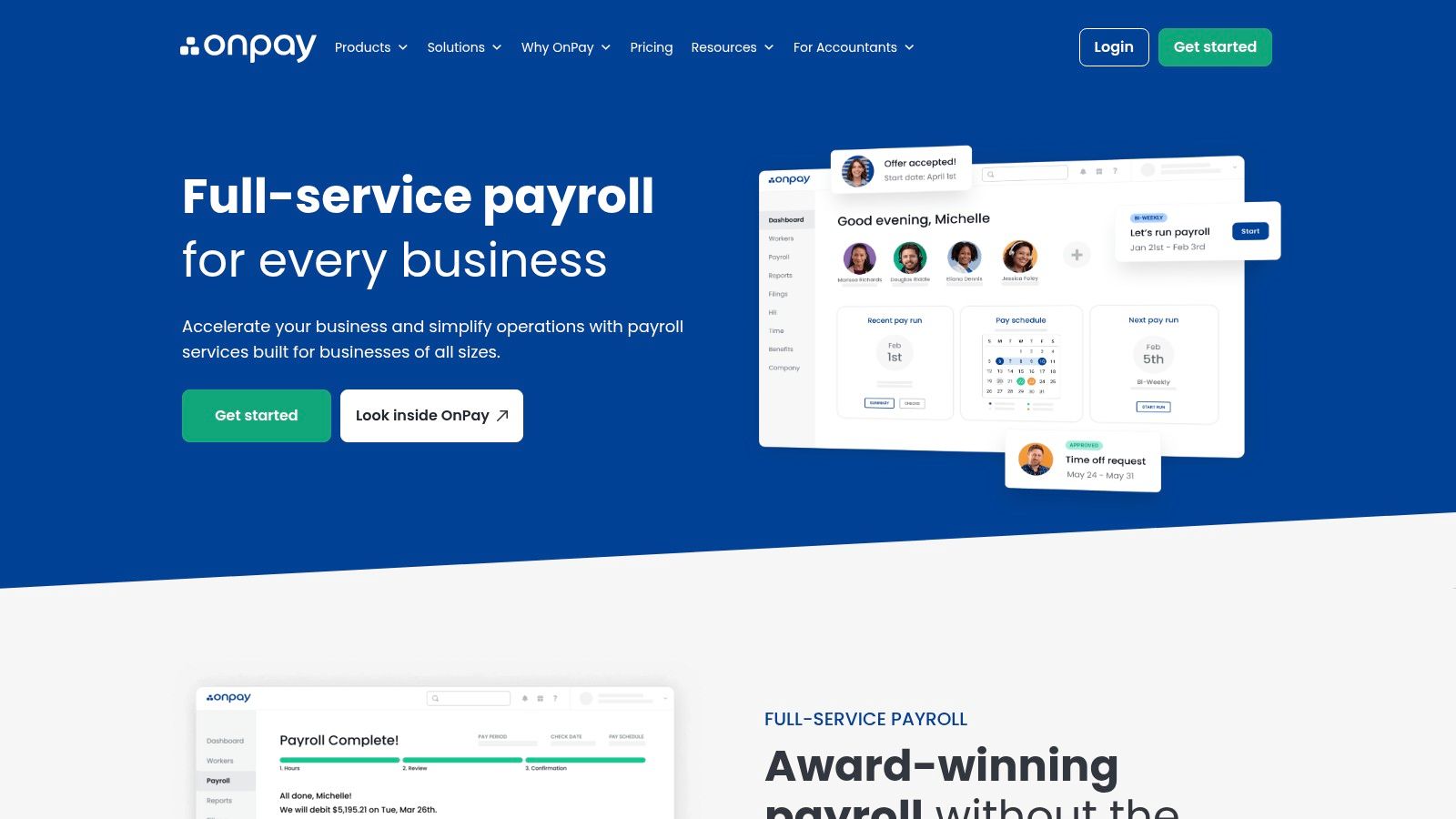
The platform handles payroll for both W-2 employees and 1099 contractors across all 50 states, automating tax payments and filings to ensure compliance. OnPay stands out for its strong customer support and easy migration process, offering free account setup for new clients. While it integrates essential HR functions like offer letters and PTO tracking, it lacks the advanced talent management or performance review tools found in more enterprise-focused systems.
Core Services & Features
- Full-Service Payroll: Unlimited monthly pay runs for W-2 and 1099 workers in all 50 states.
- Automated Tax Filings: Handles federal, state, and local payroll tax calculations, payments, and filings.
- Employee Self-Service: A dedicated portal for employees to access pay stubs, tax forms, and manage personal information.
- Integrated HR & Benefits: Includes basic HR tools like onboarding checklists, offer letters, PTO tracking, and integrations with benefits providers.
Who It's For
OnPay is ideal for small businesses, startups, and non-profits that need a reliable, budget-friendly payroll solution with integrated HR basics. Its flat-rate pricing is particularly beneficial for companies with straightforward payroll needs that want to avoid the surprise fees common with other providers.
Pros:
- Clear, flat-rate monthly pricing with very few extra fees.
- Strong customer support and free setup assistance.
- Includes payroll, HR, and benefits in one platform.
Cons:
- Fewer advanced HR and talent management features compared to larger competitors.
- Some services, like physical mailing of year-end forms, may incur extra costs.
Website: https://onpay.com/payroll/
9. Justworks
Justworks provides a flexible solution that can grow with a business, offering everything from basic payroll processing to comprehensive Professional Employer Organization (PEO) and Employer of Record (EOR) services. What makes Justworks stand out among payroll outsourcing companies is its transparent, online pricing model, which allows businesses to see costs upfront without needing to contact a sales team. This approach is ideal for companies that want to start with straightforward payroll and later scale into a co-employment model with full benefits and HR support.
The platform is designed for modern businesses that need an all-in-one solution for payroll, benefits, HR, and compliance. With PEO plans offering 24/7 support and access to certified HR consultants, Justworks simplifies the complexities of managing a workforce. While core payroll is robust, businesses should note that key features like time tracking and full benefits administration are reserved for higher-tier PEO plans or available as paid add-ons.
Core Services & Features
- Flexible Service Tiers: Offers standalone payroll, PEO Basic for compliance support, and PEO Plus for benefits administration.
- Payroll and Tax Automation: Manages payroll processing, tax filings, W-2/1099 preparation, and payments to employees and contractors.
- HR and Compliance Tools: Provides access to HR consulting, compliance resources, and online employee onboarding.
- Global Workforce Support: Optional add-ons for hiring and paying international contractors and EOR services for global employees.
Who It's For
Justworks is best for startups and small to mid-sized businesses that value transparent pricing and want a platform that can easily scale from simple payroll to a full-service PEO. It is particularly suitable for companies planning to offer competitive benefits and require expert HR and compliance support as they grow.
Pros:
- Clear, public pricing for both payroll-only and PEO plans.
- Scales easily from a basic payroll service to a full PEO/EOR.
- Strong customer support, including 24/7 access on PEO plans.
Cons:
- Benefits administration is only included in the top-tier PEO Plus plan.
- Time tracking and other features may require add-on fees on lower plans.
Website: https://www.justworks.com/
10. TriNet
TriNet is a well-established Professional Employer Organization (PEO) that offers industry-tailored HR, payroll, and benefits administration. This platform is best suited for companies seeking comprehensive, sector-specific expertise, bundling payroll with access to premium benefits and deep compliance support. As one of the more robust payroll outsourcing companies, TriNet acts as a co-employer, taking on the administrative burden of payroll tax, workers' compensation, and regulatory adherence.
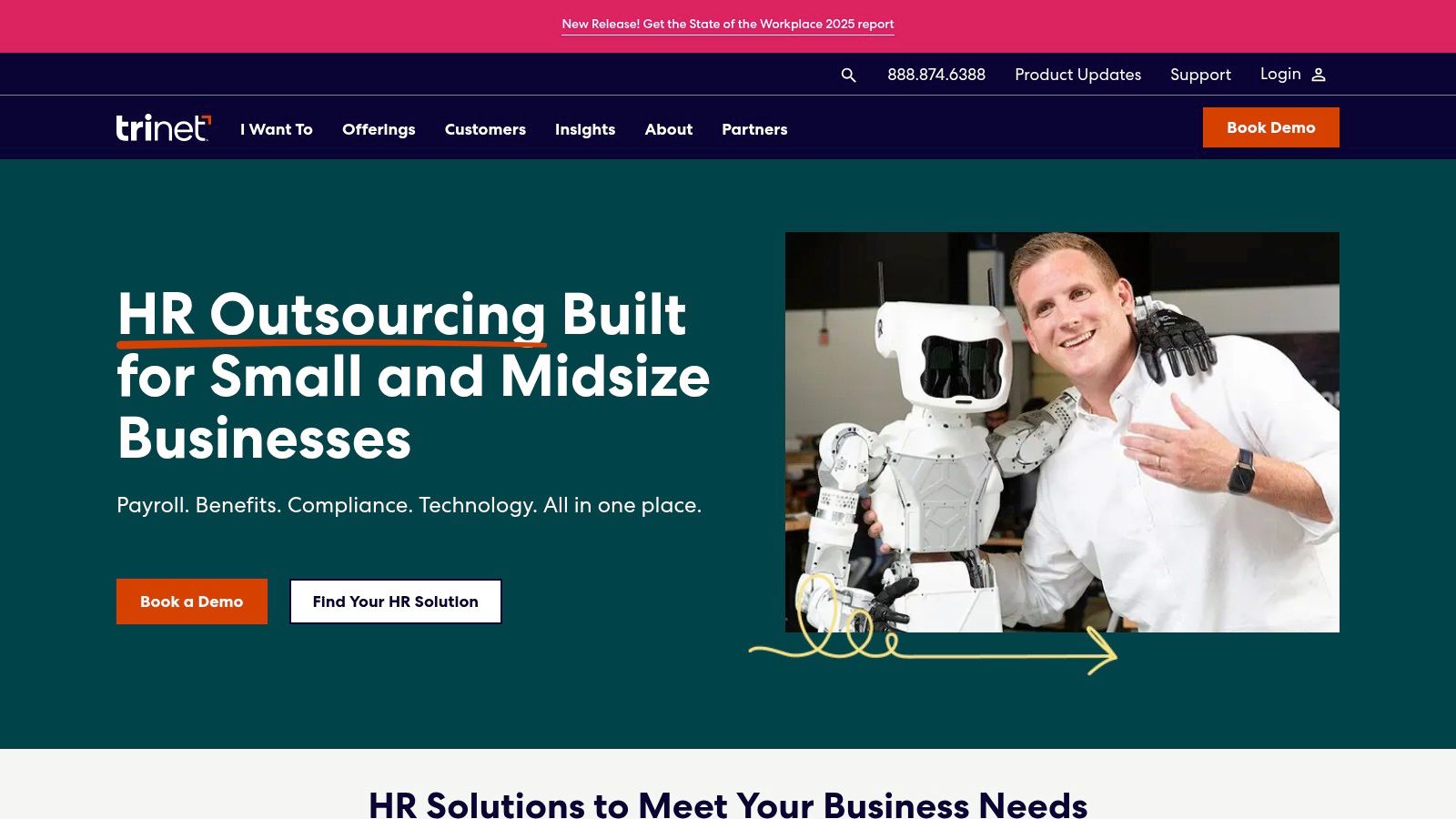
The platform’s strength lies in its ability to provide small businesses with access to enterprise-level benefits and specialized HR guidance, which can be a significant competitive advantage. TriNet offers both its full PEO model and a non-PEO HR Platform, giving businesses flexibility. However, its PEO pricing is quote-based and premium, with benefits costs billed separately from its administrative fees, making it a more significant investment.
Core Services & Features
- PEO Co-Employment: Manages payroll tax administration, benefits, and compliance under a co-employment model.
- Industry-Specific HR: Provides access to HR experts and compliance guidance tailored to specific industries.
- Technology Platform: A central hub for managing payroll, benefits, and HR, with optional add-on services.
- Flexible Offerings: Businesses can choose between the full PEO service or a standalone HR Platform bundle.
Who It's For
TriNet is ideal for small to medium-sized businesses that want to outsource their entire HR function, including payroll and benefits, to gain access to specialized expertise and competitive employee perks. It is particularly valuable for companies in regulated industries like technology, life sciences, and financial services that require nuanced compliance support.
Pros:
- Deep benefits and compliance expertise tailored by industry.
- Flexibility to choose between PEO and non-PEO HR Platform offerings.
- Access to enterprise-level employee benefits.
Cons:
- PEO pricing is quote-based and can be a premium cost.
- Benefits costs are separate from administrative fees, potentially increasing total expenses.
Website: https://www.trinet.com/
11. Deel
Deel has rapidly become the go-to platform for businesses hiring and paying international talent. It operates as a global Employer of Record (EOR) and contractor payroll platform, enabling companies to hire in over 150 countries without establishing local legal entities. This model makes Deel one of the most effective payroll outsourcing companies for globally distributed teams, simplifying the complexities of international compliance, benefits, and payroll.
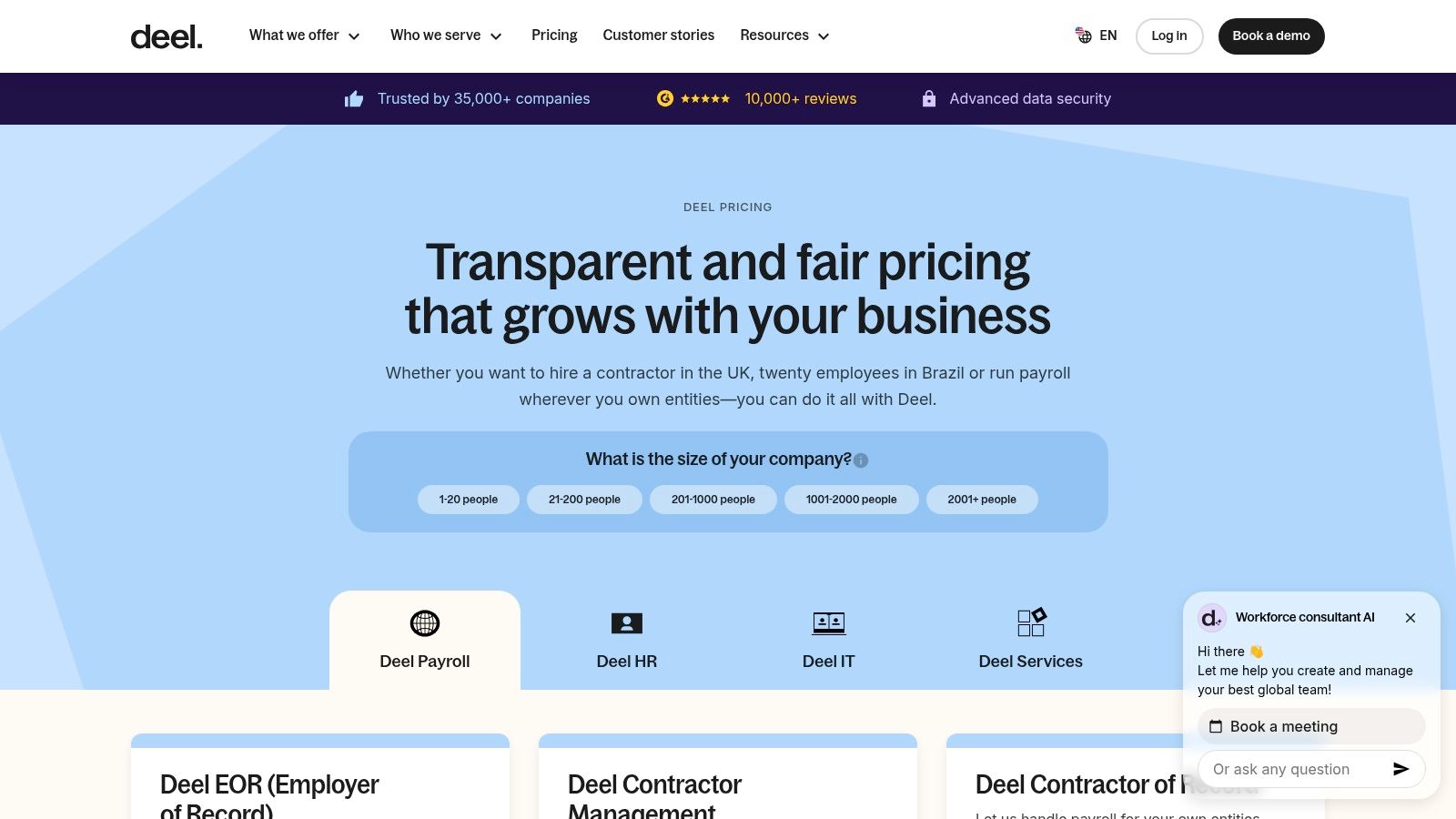
The platform is designed to handle everything from generating locally compliant contracts to processing payments in multiple currencies. Deel’s transparent pricing model, which starts at a flat rate per employee or contractor, is a significant advantage for businesses that need predictable costs. It stands out by consolidating global hiring, payroll, and HR into a single, user-friendly interface, removing the administrative burden of managing a remote workforce.
Core Services & Features
- Employer of Record (EOR): Legally hire full-time employees in 150+ countries where you don't have a local entity.
- Global Payroll & Contractor Management: Pay international contractors and direct employees through a unified system with multi-currency support.
- Localized Compliance: Automatically generates country-specific contracts and ensures compliance with local labor laws, taxes, and benefits.
- HR & Finance Integrations: Connects with over 20 popular HR and accounting tools like NetSuite, QuickBooks, and BambooHR.
Who It's For
Deel is ideal for tech startups and modern companies with a remote-first or globally distributed workforce. It is particularly valuable for businesses that need to quickly hire international contractors or full-time employees without the high cost and complexity of setting up foreign subsidiaries.
Pros:
- Transparent, flat-rate pricing for EOR and contractor services.
- Streamlines onboarding and payments for a global team.
- Strong compliance framework for over 150 countries.
Cons:
- EOR fees can become costly for companies hiring a large number of employees in one country.
- May have some limitations for complex, US-specific non-exempt employee payroll.
Website: https://www.deel.com/pricing
12. Remote
Remote is a global hiring platform designed for companies managing an international workforce. It specializes in Employer of Record (EOR) services, contractor management, and multi-country payroll, making it a powerful solution for businesses that need to hire, pay, and manage talent across borders with full compliance. Unlike many payroll outsourcing companies focused on a single country, Remote’s infrastructure is built on its own legal entities in various countries, ensuring consistent service and predictable costs.
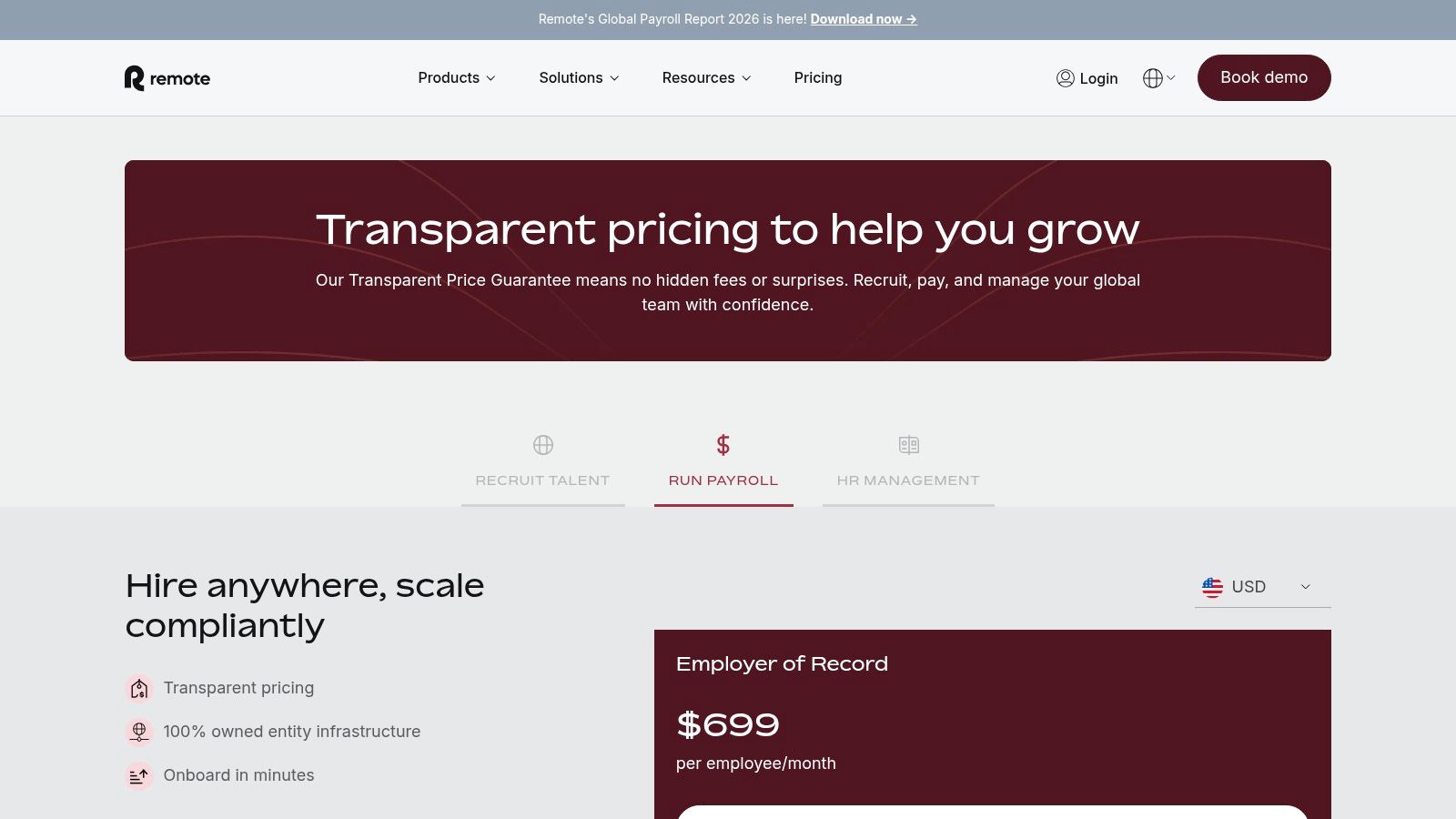
The platform stands out for its transparent, flat-rate pricing for EOR and contractor services, which simplifies budgeting for global expansion. Its global payroll solution allows companies with their own international entities to consolidate payroll processing into a single system. While its core strength is global employment, Remote also provides resources that help businesses understand the complexities of international hiring and how to manage remote teams effectively.
Core Services & Features
- Employer of Record (EOR): Hire full-time employees in countries where you don't have a legal entity, with Remote handling payroll, benefits, and compliance.
- Contractor Management: Onboard, manage, and pay international contractors in their local currencies.
- Global Payroll: A unified platform for businesses to process payroll for their employees across multiple owned legal entities.
- Localized Benefits: Offers competitive, country-specific benefits packages to attract and retain global talent.
Who It's For
Remote is ideal for tech startups and growing businesses looking to hire talent globally without the overhead of establishing local entities. It’s also a strong fit for companies that already have international operations and want to streamline payroll and HR for their distributed workforce. Companies focused solely on US-based payroll may find the EOR features unnecessary for their needs.
Pros:
- Transparent, flat-rate pricing for EOR and contractor management.
- Owned-entity model provides consistent service and better compliance control.
- Simplifies hiring, paying, and managing a distributed global workforce.
Cons:
- May be overly complex for businesses that only operate within the US.
- Global Payroll service for own entities can have additional implementation fees.
Website: https://remote.com/pricing
Ready to delegate the administrative burden of payroll and other operational tasks? If you're ready to get this work off your plate without the churn of finding and managing freelancers, you can request a quote from our team. We offer flexible support options to match you with a vetted, US-based assistant who can build a reliable system for your business.