

To lead a team effectively, you must learn to delegate administrative and specialized tasks through a clear, repeatable system. Start by identifying 3-5 routine tasks you can hand off to a vetted virtual assistant; this frees up your time for strategic work, reduces context switching, and ensures critical details don't get dropped. If you’re a founder, executive, or manager drowning in inbox and admin tasks while trying to grow your business, this playbook is for you.
Key Takeaways
- Start Small: Begin by delegating 3–5 low-risk, repeatable tasks like inbox management, scheduling, or data entry.
- Document Everything: Use a Task Brief Template and simple checklists (SOPs) to ensure clarity and consistent quality.
- Communicate Systematically: Establish a clear communication cadence with daily async updates and a weekly 15-minute sync meeting.
- Grant Access Securely: Use a password manager and create separate user accounts instead of sharing your primary logins.
- Measure What Matters: Track hours saved and "time-to-independence" to calculate the real ROI of your delegation efforts.
- Trust the Process: The goal is to build a system that runs with minimal oversight. Invest time in training upfront to save hundreds of hours later.
Summary (TL;DR)
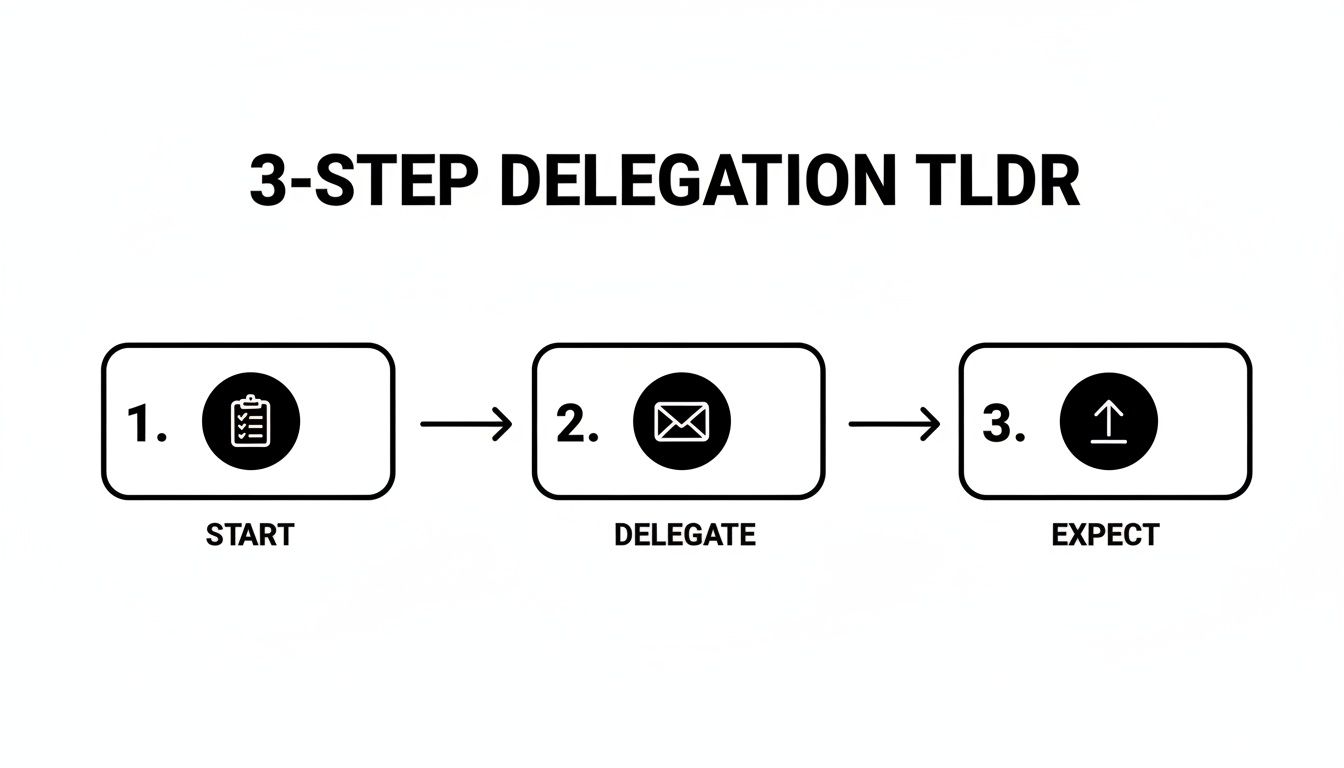
Here’s the high-level summary for busy leaders who need to know how to lead a team through effective delegation:
- What to do: Identify 3-5 repeatable, time-consuming tasks. Document them using a simple Task Brief and a checklist-style Standard Operating Procedure (SOP).
- What to delegate: Start with inbox/calendar management, travel booking, data entry, social media scheduling, and creating expense reports.
- What to expect: Expect to invest more time in training during the first 1-2 weeks. By day 30, your assistant should own these tasks, freeing up 10+ hours of your week.
- Common pitfalls: Avoid micromanaging, giving vague instructions ("clean up my inbox"), and failing to grant secure access to necessary tools.
- Quick timeline: Within 7 days, small tasks are off your plate. Within 30 days, your core administrative systems are running with minimal oversight.
Step-by-Step Playbook
Making the leap from "doer" to "leader" isn't about a grand vision; it's about building a reliable system for getting things done through others. This seven-step playbook is that system. It breaks down the process of delegating to a virtual assistant into a clear framework that will transform you from a bottleneck into a force multiplier.
This process is a loop, not a one-time handoff. Clear instructions lead to better outcomes, which builds the confidence to delegate more complex work.
-
Task Selection: Choose Your First Tasks
First, figure out what to let go of. Don’t start with your most complex, strategic work. Hunt for tasks that are routine, time-consuming, and teachable. Ask yourself, "Could I explain this in a simple checklist or a 5-minute screen recording?" If yes, it's a great candidate. List 10-15 tasks you do weekly and circle the top 3-5 that are easiest to document. -
Task Briefing: Create Crystal-Clear Instructions
Vague instructions are the #1 killer of effective delegation. To avoid this, use a Task Brief—a simple, one-page document that sets your assistant up for success. It removes guesswork and ensures the work gets done right the first time by defining the goal, inputs (links, files), tools, and most importantly, the "Definition of Done." -
Access & Security: Grant Secure Access to Tools
You can't delegate work if your assistant can't access your tools, but you must be smart about security. Never share your primary login credentials. Instead, use a password manager like LastPass or 1Password to share access without revealing passwords. Whenever possible, create separate user accounts with role-based access to maintain an audit trail and follow the principle of least privilege. -
Onboarding Week: Navigate the Critical First 7 Days
The first week is about building rhythm and trust, not peak productivity. Your goal is to successfully delegate 2–3 low-risk tasks and establish a communication cadence.- Week 1: Delegate 2-3 simple tasks (e.g., scheduling, inbox sorting). Plan for brief, 15-minute daily check-ins to answer questions and give immediate feedback.
- Week 2: Add 1-2 more complex tasks. Shift to daily async check-ins (via Slack) and two sync meetings per week.
- First 30 Days: Your VA should now own 5–7 recurring tasks with minimal oversight. Drop to a single weekly check-in.
-
Cadence & Communication: Establish Your Rhythm
In a remote relationship, clear communication is everything. Establish a simple framework and stick to it:- Async for Updates: Use a tool like Slack for daily progress reports, quick questions, and status updates.
- Sync for Strategy: Use a weekly 15–30 minute video call to plan the week, discuss roadblocks, and give higher-level feedback.
-
QA & Feedback: Implement a Quality Loop
Give feedback early and often. As soon as a task is done, check it against your "Definition of Done." If something isn’t right, don't just fix it yourself. Explain what needs to change and why, then ask your assistant to make the correction. This builds their understanding and drastically reduces the odds of the same mistake happening again. -
Scaling the Relationship: Delegate Entire Functions
Once your assistant has mastered the initial tasks, think bigger. Can they take over an entire process, like managing your content calendar instead of just scheduling posts? This is how you turn delegation from a time-saving tactic into a strategic advantage, freeing you up to focus completely on growth. The consistency offered by a managed virtual assistant from an agency like Match My Assistant makes this scaling process smoother.
Delegation Assets (Templates + Scripts)

Theory is great, but action moves the needle. Use these practical, copy-paste assets to delegate with confidence and create clear expectations with your remote assistant from day one.
Task Brief Template
Use this one-page brief for any new assignment to avoid frustrating "that's not what I meant" conversations.
- Goal: What is the desired outcome? (e.g., "Ensure every new client inquiry gets a meeting booked within 24 hours.")
- Definition of Done (DoD): How will we know this is complete and successful? (e.g., "The meeting is on my Google Calendar, the prospect has a confirmation email, and their contact record in HubSpot is updated.")
- Inputs/Links: Provide everything needed to start. (e.g., Link to Calendly, CRM login, email templates.)
- Tools: List all software involved. (e.g., Google Calendar, HubSpot, Slack.)
- Constraints: What are the non-negotiables? (e.g., "Only schedule meetings between 9 AM and 4 PM in my time zone.")
- Examples: Link to a past example of this task done perfectly.
- Deadline: When is it due? (e.g., "End of business day today.")
- Escalation Rules: What should they do if they get stuck? (e.g., "For a scheduling conflict you can't solve, send me a Slack message.")
SOP / Checklist Template
For any recurring task, a Standard Operating Procedure (SOP) ensures consistency. A simple checklist is often best.
Task: Weekly Social Media Scheduling for [Platform]
- Log into [Social Media Scheduling Tool] (e.g., Buffer).
- Open the content calendar in [Project Management Tool].
- Review the approved posts for the upcoming week.
- Copy Monday's post text into the scheduler.
- Upload the matching graphic from the [Shared Drive] folder.
- Schedule the post for Monday at [Time].
- Repeat steps 4-6 for all posts this week.
- Leave a comment in the project management task: "Posts for [Date Range] are scheduled."
- Do a final check of the scheduled queue.
- Log out.
Communication Cadence Template
A predictable rhythm is your best defense against micromanagement.
- Daily Async Check-in (via Slack):
- Format: One message at the end of their workday.
- Content:
- Done today: [Bulleted list of completed tasks]
- On deck for tomorrow: [Top 1-3 priorities]
- Roadblocks: [Any questions or issues needing your input]
- Weekly Sync Meeting (15-Minute Video Call):
- When: Monday morning to plan the week.
- Agenda:
- 2 mins: Wins from last week.
- 8 mins: Review priorities for the upcoming week.
- 5 mins: Discuss roadblocks and process improvements.
"What to Delegate" Task List
Stuck on where to begin? Here are 20+ tasks perfect for handing off to a virtual assistant.
- Filtering your inbox and flagging important messages
- Managing your calendar and scheduling appointments
- Booking travel arrangements (flights, hotels, cars)
- Creating slide decks from raw notes
- Transcribing meeting notes and identifying action items
- Basic data entry and spreadsheet cleanup
- Updating your CRM (like HubSpot or Salesforce)
- Conducting preliminary market or competitor research
- Managing expense reports and categorizing receipts
- Creating and sending client invoices
- Following up on unpaid invoices
- Scheduling social media posts with a tool like Hootsuite
- Handling first-level customer service inquiries
- Building prospect lists based on your criteria
- Proofreading documents and emails
- Organizing files in Google Drive or Dropbox
- Placing online orders for supplies or client gifts
- Handling personal appointments and reservations
- Posting job descriptions to various platforms
- Basic bookkeeping and data reconciliation
- Preparing and sending weekly update emails to the team
Measurement & ROI
You don't need a complicated spreadsheet to know if your delegation efforts are paying off. You’ll feel the success in reclaimed time, but tracking a few Key Performance Indicators (KPIs) provides the clarity to scale your efforts. This is how you measure the impact of outsourced admin support with confidence.
Suggested KPIs
Focus on the metrics that reflect saved time and reduced operational drag.
- Hours Saved per Week: The most critical metric. Track the time you used to spend on now-delegated tasks.
- Task Turnaround Time: How quickly are tasks completed from assignment to delivery? This measures efficiency.
- % Tasks Done Without Rework: A direct reflection of quality and the clarity of your instructions.
- Backlog Size: Is your administrative to-do list shrinking? This shows your assistant is getting ahead, not just keeping up.
- Time-to-Independence: How long does it take for your assistant to run a new task with minimal oversight? This is the ultimate measure of effective onboarding.
A Simple ROI Framing
The Return on Investment (ROI) of a virtual assistant is about the value of the time you get back.
(Hours Saved per Week × Your Estimated Hourly Value) – VA Cost = Weekly ROI
Your "hourly value" isn't your salary divided by 40. It's the value you create when focused on your most critical work—sales, strategy, or innovation. When you offload a task that costs you $50/hour in your time, you free yourself to do the $500/hour work that moves the needle. Our flexible pricing options are designed to maximize this return.
30-Day Scorecard Checklist
After the first month, run through this qualitative checklist to gauge success.
- Is my inbox consistently managed and under control?
- Do I feel less reactive and more strategic in my daily work?
- Am I in control of my calendar, instead of it controlling me?
- Have 5-7 core admin tasks been completed on time without my intervention?
- Do I have a clear, repeatable system for delegating new tasks?
- Am I spending more time on growth-focused activities?
- Do I trust that important follow-ups are being handled?
FAQs
Here are concise, factual answers to the most common questions we hear from busy professionals exploring delegation.
What tasks should I delegate first?
Start with high-volume, low-risk, repeatable tasks. Inbox management, calendar scheduling, and basic data entry are perfect starting points. They allow you to build trust and refine your communication rhythm before moving to more complex responsibilities.
How do I give access securely?
Never share your master passwords. Use a password manager like LastPass or 1Password to grant access without revealing credentials. For added security, enable two-factor authentication (2FA) and create separate user logins for your assistant whenever possible.
What’s the difference between a virtual assistant and an executive assistant?
A Virtual Assistant (VA) is a broad term for remote support, which can be specialized (e.g., marketing VA). A remote Executive Assistant (EA) focuses on a deep, one-to-one partnership with a single leader, handling a mix of strategic and administrative work. Match My Assistant provides the dedicated support of an EA with the flexibility of a virtual assistant agency.
Dedicated VA vs. pooled team—what’s better?
A dedicated VA becomes your single point of contact, learning your preferences and proactively supporting you. This is ideal for leaders who need consistency and context. A pooled team works for simple, one-off tasks but lacks the personal integration needed for high-level executive support.
How does onboarding work and how long does it take?
Our matching process typically takes 3-5 business days. The first week is about establishing a rhythm and delegating 2-3 initial tasks. By day 30, your assistant should be independently managing 5-7 recurring tasks, freeing up significant time on your calendar. How our matching process works is designed for speed and precision.
What happens if my assistant is unavailable?
This is a key benefit of a managed service. If your dedicated assistant is on vacation or out sick, a trained backup assistant from our team can step in, using the established SOPs to keep critical tasks moving without interruption. This eliminates the "single point of failure" risk of hiring a freelancer.
Is a VA better than hiring in-house for my situation?
It depends on your needs. An in-house hire makes sense if you require a physical presence 40 hours a week. A managed virtual assistant is ideal for leaders who need 10, 20, or 30 hours of expert support per week without the overhead of salary, benefits, and equipment associated with a full-time employee.
Ready to lead with more impact by delegating smarter? Match My Assistant provides vetted, US-based virtual assistants backed by a satisfaction guarantee and a clear onboarding process. We help you get routine and specialized tasks off your plate without the churn of random freelancers. Talk to our team today to request a quote and get matched with the right support for your needs.