

For busy real estate agents, the fastest way to get time back and ensure no lead is dropped is to delegate front-line communications to a managed realtor virtual receptionist. This move saves you from constant context switching, allows for faster execution on high-value tasks like closings, and creates a consistent, professional experience for every inbound inquiry. If you’re a realtor, team lead, or broker drowning in calls while trying to grow your business, this guide is for you.
Key Takeaways
- Start Small: Delegate 3–5 high-volume tasks first, like call answering and basic lead qualification, to see immediate time savings.
- Systemize Everything: Use Standard Operating Procedures (SOPs), scripts, and task briefs to ensure consistency and quality from day one.
- Onboard Methodically: A structured first week—focused on tools, scripts, and supervised calls—sets the foundation for long-term success.
- Measure What Matters: Track Key Performance Indicators (KPIs) like hours saved, lead response time, and appointment booking rate to measure ROI.
- Prioritize Security: Never share master passwords. Use a password manager and create role-based accounts with the principle of least privilege.
- Choose Managed Services for Reliability: A virtual assistant agency provides vetted talent, training, and backup coverage that a solo freelancer cannot.
Quick Answers
What is a realtor virtual receptionist?
A realtor virtual receptionist is a remote professional who specializes in handling front-line communications for real estate agents, including answering calls, qualifying leads, and scheduling appointments.What are the main benefits?
The primary benefits are reclaiming your time, ensuring no lead is missed with 24/7 coverage, presenting a more professional brand image, and reducing overhead costs compared to an in-house hire.How quickly can they start?
With a managed virtual assistant agency like Match My Assistant, a trained receptionist can be onboarded and handling your calls within a few business days.
Summary (TL;DR)
- What to do: Hire a managed virtual receptionist service to handle your inbound calls, lead qualification, and appointment scheduling. This approach offers speed, reliability, and built-in backup coverage.
- What to delegate first: Start with the top 3-5 tasks that consume your time but don't require your specific real estate expertise: answering all incoming calls, responding to website inquiries, qualifying new leads with a script, and booking showings in your calendar.
- What to expect: Expect to invest time in the first week creating simple scripts and SOPs. Your new assistant should be handling most calls independently within 7 days and be fully autonomous in their core duties within 30 days.
- Common pitfalls to avoid: Avoid delegating without clear instructions, sharing master passwords, and failing to establish a regular communication rhythm. Don't try to hand off everything at once.
- Quick timeline: Days 1-2: Tool access and script review. Days 3-5: Supervised live calls. Day 7: First weekly review. Day 30: Assistant should be fully integrated and managing core tasks with minimal oversight.
Step-by-Step Playbook
Bringing a realtor virtual receptionist into your business is a strategic move, not just a task hand-off. A methodical process ensures your assistant integrates smoothly and starts adding value immediately. Follow this playbook for a seamless transition.
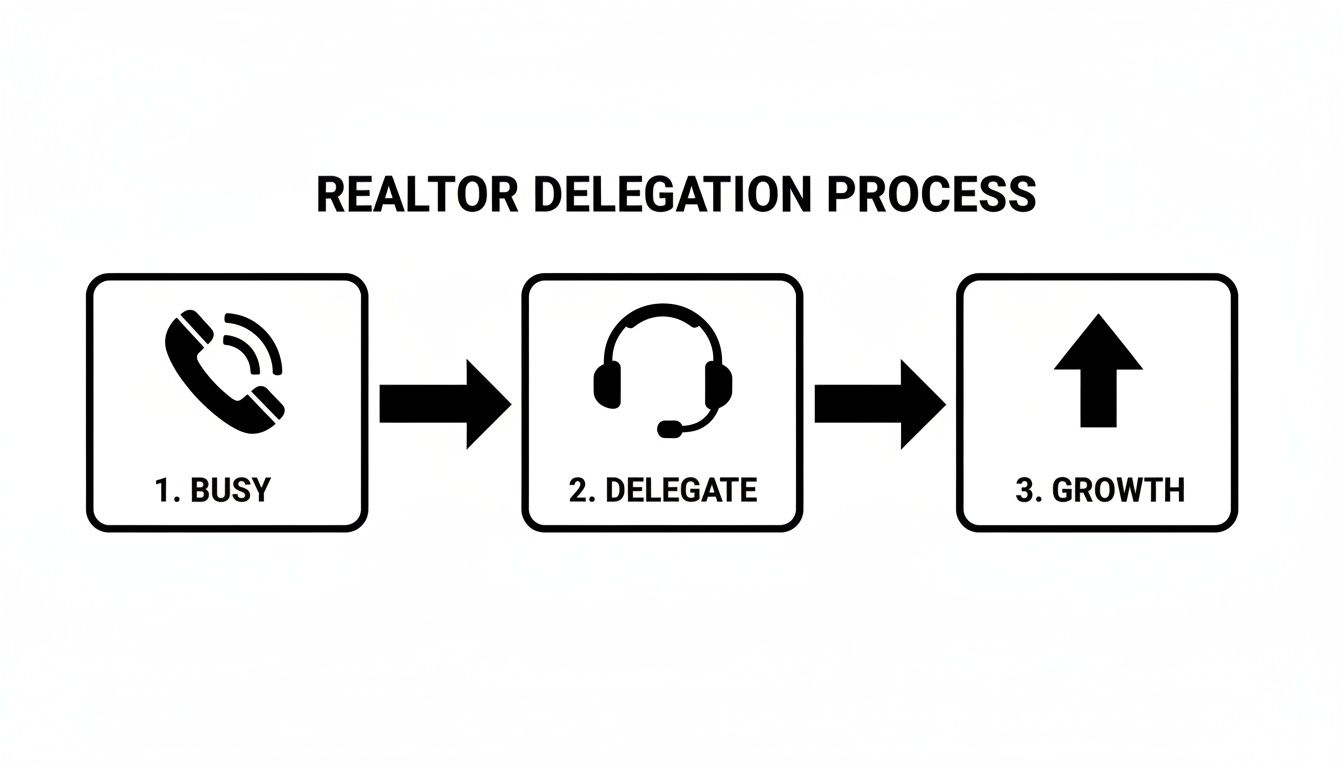
- Task Selection (Pre-Onboarding): Before you even start, identify the 3–5 highest-impact tasks to delegate. Focus on high-volume, repetitive activities like call answering, initial lead qualification, and scheduling property showings. This initial focus prevents overwhelm for both you and your assistant.
- Task Briefing (Pre-Onboarding): For each core task, create a simple one-page task brief or SOP. Document the goal, tools required, and the "Definition of Done." For call handling, this means creating clear call scripts for common scenarios (e.g., new buyer inquiry, scheduling request).
- Security & Access (Day 1): Grant access to necessary tools without compromising security. Use a password manager like LastPass or 1Password to share credentials securely. Set up a unique user profile for your assistant in your CRM and calendar with role-based permissions, following the principle of least privilege.
- Onboarding Week (First 7 Days): A structured first week is critical for building trust and setting expectations.
- Week 1 (Days 1-2): Focus on tool training and process review. Walk through the call scripts and SOPs. Have them shadow your calls or listen to recordings to understand your tone.
- Week 1 (Days 3-5): Begin supervised execution. Have them handle a portion of live calls while you are available for questions. This builds confidence and allows for real-time coaching.
- Cadence & Communication (Ongoing from Day 1): Establish a clear and predictable communication rhythm. A brief 5-minute daily check-in via Slack or email is perfect for aligning on priorities. Schedule a recurring 15-minute weekly video call to review performance and plan the week ahead.
- QA & Feedback (Ongoing from Week 1): Don't "set it and forget it." Create a feedback loop. Regularly review a sample of call logs in your CRM or listen to call recordings. Provide specific, constructive feedback to refine their performance and improve your scripts.
- Scaling the Relationship (First 30 Days and Beyond): Once your virtual receptionist has mastered their initial tasks (typically within the first 30 days), start layering on more responsibility. This could include outbound follow-up calls, managing social media direct messages, or coordinating with transaction coordinators.
Delegation Assets (Templates + Scripts)
To get work off your plate without rework, you need clear, repeatable instructions. These assets create a shared playbook for your realtor virtual receptionist, empowering them to act confidently and consistently. Using structured templates is the key to delegating successfully.

What to Delegate Checklist
- Answering all incoming lead calls
- Responding to website contact form inquiries
- Performing initial lead qualification using a script
- Scheduling property showings for qualified buyers
- Booking listing presentations and consultation calls
- Logging all calls and interactions in the CRM
- Tagging and segmenting new leads correctly
- Sending templated follow-up emails and texts
- Managing your calendar and preventing double-bookings
- Rescheduling appointments as needed
- Sending appointment reminders to clients
- Following up with other agents for showing feedback
- Answering general questions about listings (e.g., "Is it still available?")
- Routing calls to the appropriate team member
- Data entry for new listings or contacts
- Nurturing cold leads with check-in calls or emails
- Coordinating with inspectors, appraisers, and mortgage brokers
- Managing and filtering your general email inbox
- Updating listing statuses in the MLS or on your website
Task Brief Template: Lead Qualification
- Goal: Qualify all new inbound phone leads within 3 minutes of the call starting to determine if they are ready for a follow-up call with an agent.
- Definition of Done: The lead's contact information and answers to qualification questions are accurately entered into the CRM ([Tool: Follow Up Boss]), they are tagged as "New Inbound Lead," and a 15-minute call is scheduled with an agent if they are qualified.
- Inputs/Links: [Link to Lead Qualification Script], [Link to Agent Calendars], [Link to CRM Login]
- Tools: RingCentral, Follow Up Boss CRM, Google Calendar
- Constraints: Do not provide advice on mortgages or specific neighborhood stats. Adhere strictly to the script.
- Examples: Listen to these three call recordings of successful qualifications: [Link 1], [Link 2].
- Deadline: This is an ongoing, real-time task for all inbound calls during business hours.
- Escalation: If a caller becomes angry or asks a question not covered in the script, transfer them directly to [Your Name] or take a message if unavailable.
SOP / Checklist Template: Scheduling a Showing
- Answer the call using the approved greeting.
- Confirm the caller's name and the property address they wish to see.
- Verify they are working with an agent (if so, direct them to their agent).
- If they are not represented, confirm they have a mortgage pre-approval letter.
- Open the agent's calendar and the property's showing availability link.
- Offer 2-3 available time slots to the caller.
- Once a time is agreed upon, book the appointment in the showing software.
- Create a calendar invitation and send it to both the lead and the agent.
- Add the lead as a new contact in the CRM if they are not already there.
- Log the scheduled showing as an activity on their contact record.
- Send a confirmation text message to the lead with the address and time.
- Add a note for the agent with any important details from the call.
Communication Cadence Template
- Daily Check-in (Async via Slack/Email):
- Assistant sends by 9 AM: "Good morning! My top 3 priorities today are [Task 1], [Task 2], [Task 3]. I have one question about [Topic]. No blockers."
- You reply as needed.
- Weekly Sync (15-Minute Video Call on Friday):
- Agenda Item 1 (5 mins): Review of last week's KPIs (e.g., # of calls handled, # of appointments booked).
- Agenda Item 2 (5 mins): Discuss any challenging calls or process bottlenecks.
- Agenda Item 3 (5 mins): Set priorities for the upcoming week.
Measurement & ROI
Delegating to a realtor virtual receptionist isn't about feeling less busy; it's about achieving measurable business outcomes. Tracking a few simple KPIs (Key Performance Indicators) will clarify the value you're receiving and identify opportunities to optimize the relationship. The goal is to see a clear return on your investment, both in time saved and opportunities captured.

Suggested KPIs to Track
- Hours Saved per Week: The most direct measure of success. How many hours of administrative and communication tasks are now off your plate?
- Task Turnaround Time: For non-call tasks like responding to web leads, measure the time from inquiry to first response. Aim for under 5 minutes.
- % of Tasks Done Without Rework: What percentage of tasks (e.g., CRM entries, appointments scheduled) are completed correctly the first time?
- Lead Response Time: For incoming calls, this should be immediate. For web inquiries, track the average time it takes for the first contact to be made.
- Time-to-Independence: How long does it take until your virtual receptionist can handle over 90% of their core duties with no oversight from you?
A Simple ROI Framing
You don't need complex financial models to understand the value. Use this simple calculation to frame your return on investment.
(Hours Saved Per Week × Your Hourly Value) – Weekly Cost of VA Service = Your Weekly ROI
Example: You save 10 hours per week and value your time at $100/hour as a [Realtor] in [City]. That's $1,000 in productive time you've reclaimed. Subtract the weekly cost of your virtual receptionist service to see your net gain. This formula highlights how delegation is an investment in your own high-value activities, not just an expense.
30-Day Success Scorecard Checklist
- Handles 90%+ of inbound calls without escalating to you.
- Achieves near-100% accuracy in logging lead information in the CRM.
- Consistently follows scripts for lead qualification and scheduling.
- Proactively manages your calendar, preventing scheduling conflicts.
- The time you spend managing them is less than 1 hour per week.
- You have demonstrably saved at least 5-10 hours per week.
- Lead response time for website inquiries is consistently under 5 minutes.
FAQs
Here are concise, factual answers to the most common questions realtors ask when considering outsourced admin support.
1. What tasks should I delegate first?
Start with high-volume, low-complexity tasks to get the quickest wins. Focus on answering all inbound calls, responding to website inquiries, performing basic lead qualification with a script, and scheduling appointments directly into your calendar.
2. How do I give access to my tools securely?
Never share your master passwords. Use a password manager like LastPass or 1Password to grant access securely. For critical systems like your CRM, create a separate user login for your assistant with limited, role-based permissions (the principle of least privilege). Always enable two-factor authentication (2FA) where possible.
3. What’s the difference between a virtual assistant and an executive assistant?
A virtual assistant (VA) typically handles a broader range of remote administrative, technical, or creative tasks for multiple clients. A remote executive assistant (EA) usually works more closely with a single executive, managing complex scheduling, communications, and strategic projects. A virtual receptionist is a specialized VA focused solely on front-line communication.
4. Dedicated VA vs. a pooled team—what’s better?
A dedicated VA provides a consistent point of contact who learns the nuances of your business. A pooled team offers flexibility and built-in backup coverage, ensuring someone is always available. For a receptionist role, a dedicated primary assistant backed by a trained team—a model offered by many managed virtual assistant services—provides the best of both worlds: consistency and reliability.
5. How does onboarding work and how long does it take?
Our onboarding process is designed for speed and clarity. We help you define tasks and prepare documentation. You can expect your new assistant to be handling basic tasks within the first 2-3 days and operating with significant autonomy within 30 days. The initial week requires your involvement for training and feedback.
6. What happens if my assistant is unavailable?
This is a key advantage of using a managed service like Match My Assistant. If your dedicated assistant is sick or on vacation, a trained backup assistant from our team can step in seamlessly to ensure you have uninterrupted coverage. You don't get that guarantee with a freelance marketplace.
7. Is a VA better than hiring in-house for my situation?
If you need flexible, cost-effective support without the overhead of hiring a full-time employee (salary, benefits, equipment), a VA is almost always better. It's faster to get started, more scalable, and you avoid the administrative burden of being an employer. An in-house hire makes more sense when you need a physical presence in the office every day.
At Match My Assistant, we provide vetted, US-based virtual assistants and a proven framework for successful delegation. Our satisfaction guarantee ensures you find the right support without the risk of hiring on your own. If you're ready to stop juggling calls and start focusing on closing deals, talk to our team to request a quote and learn about our flexible pricing options.